 on
on
20 Practical Ways to Automate Tasks and Reclaim 10+ Hours Every Week
If you feel like your week disappears into repetitive tasks that drain your energy and steal your time, you’re not alone. The good news is that automation isn’t just for tech experts or large companies anymore. With the right tools and a bit of setup time, you can hand off dozens of routine tasks to software and services that work while you focus on what matters. This list gives you specific, actionable steps to start automating today. Each item includes practical advice you can implement right away, no matter your technical skill level.
- Outsource Recurring Services Through Legiit
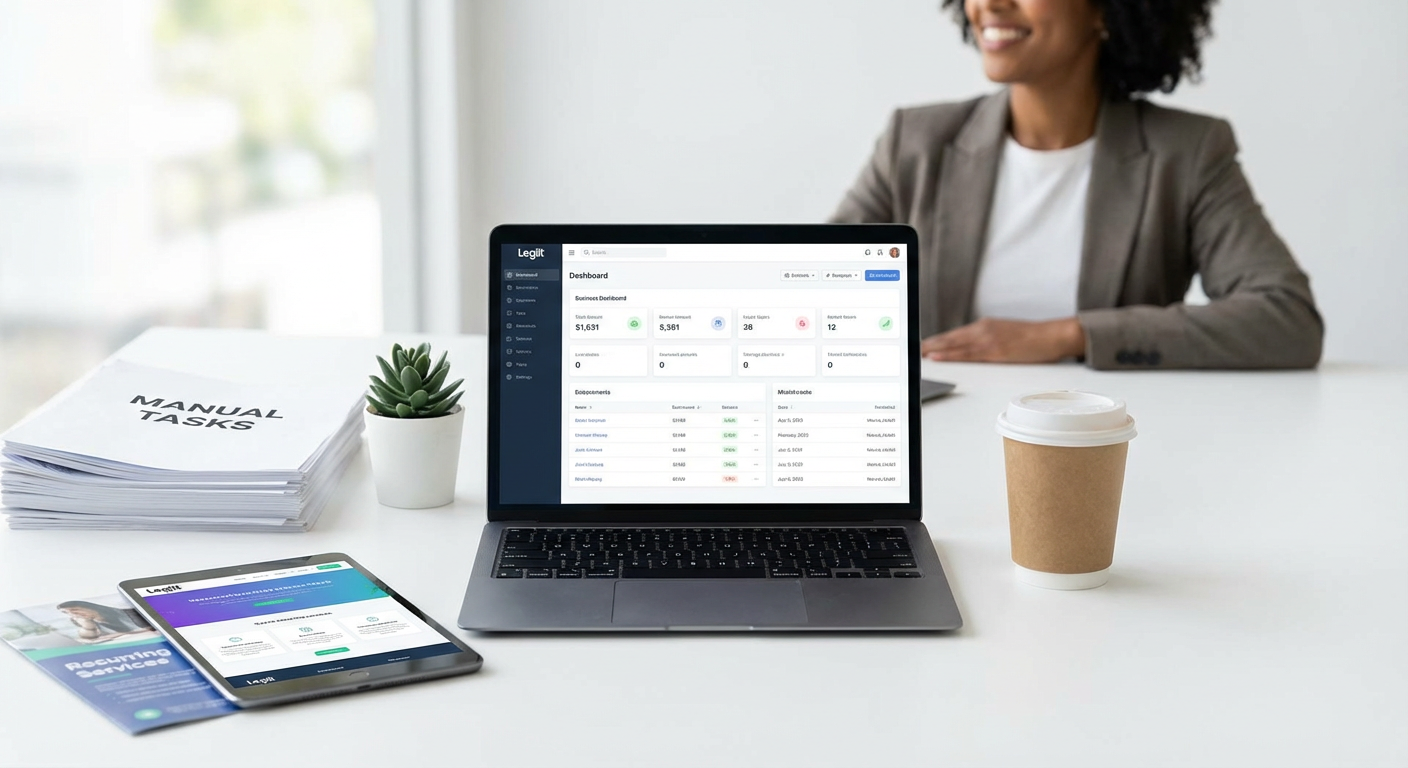
Instead of spending hours each week on tasks like graphic design, content writing, or social media management, use Legiit to find freelancers who can handle these jobs on a recurring basis. Set up monthly packages for tasks that repeat regularly, such as blog posts, video editing, or website updates. This creates a predictable workflow where the work happens automatically each month without you needing to post new job requests or negotiate rates repeatedly. Look for service providers who offer subscription-based packages, and communicate your requirements clearly upfront to minimize back-and-forth.
- Set Up Email Filters and Auto-Responses
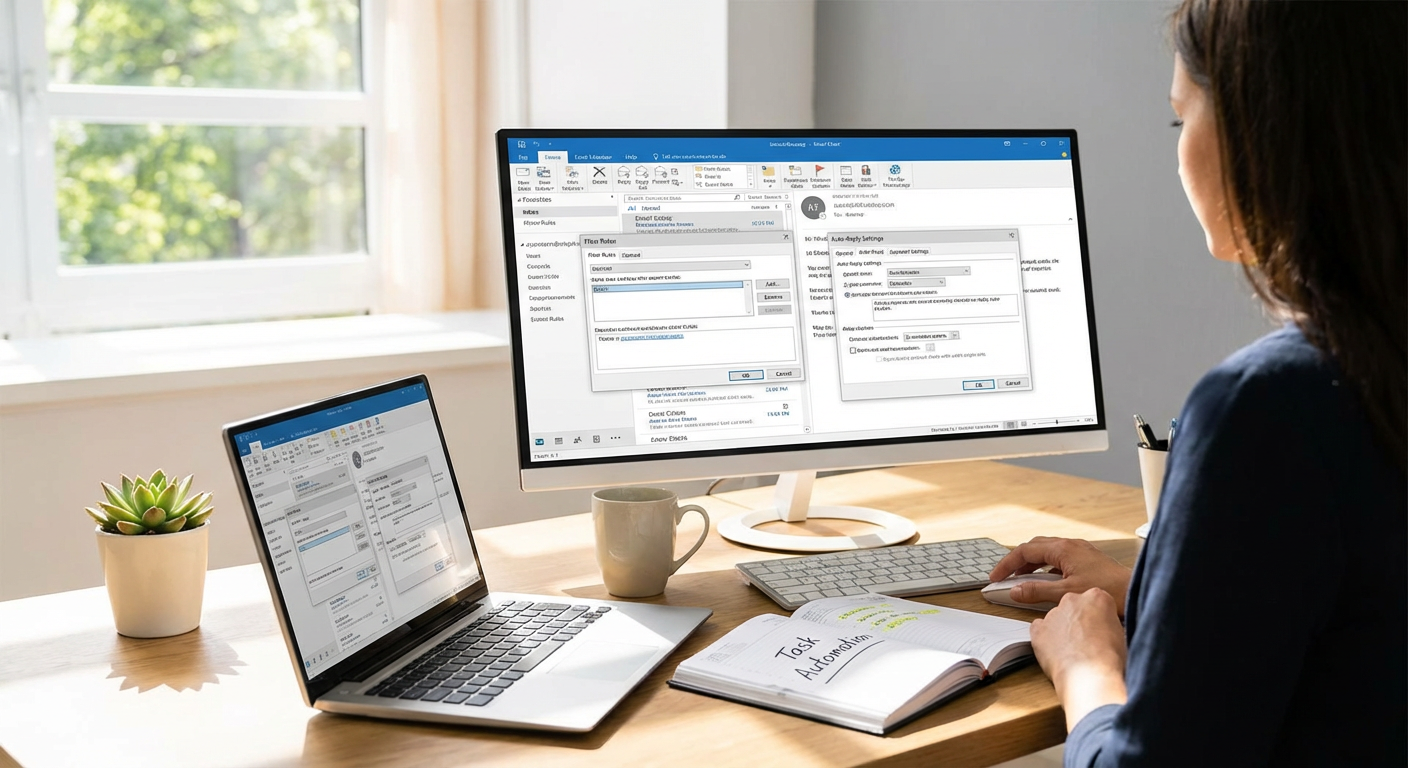
Create filters in your email client to automatically sort incoming messages into folders based on sender, subject line, or keywords. This keeps your inbox clean and helps you find important emails faster. Set up templates for common responses like meeting confirmations, information requests, or thank-you notes. Most email platforms let you create canned responses that you can insert with a few clicks, cutting your reply time in half. For emails that come in after hours, enable an auto-responder that sets expectations about when you’ll reply.
- Automate Bill Payments and Financial Tracking
Go through every recurring bill you have and set up automatic payments through your bank or the service provider. This eliminates late fees and the mental load of remembering due dates. Use a tool like Mint or YNAB to automatically pull in transactions from your accounts and categorize spending. Review your financial dashboard once a week instead of manually entering every expense. This simple shift can save two to three hours per week while giving you better visibility into your money.
- Schedule Social Media Posts in Batches
Pick one day per week or month to create all your social media content at once, then use a scheduling tool like Buffer, Later, or Hootsuite to post it automatically. Write your captions, prepare your images, and queue everything up in a single session. The tools will publish your content at optimal times without you needing to log in daily. This batch approach turns a daily 20-minute task into a single two-hour session, freeing up roughly eight hours per month.
- Use Text Expansion for Repetitive Typing
Install a text expansion tool like TextExpander, aText, or the built-in shortcuts on your phone. Create shortcuts for phrases you type constantly, such as your email address, phone number, common responses, or blocks of text you use in proposals. For example, typing “addr” could automatically expand to your full mailing address. Set up shortcuts for email signatures, meeting links, and standard explanations you give to clients. This can save 30 to 60 minutes per day if you do a lot of typing.
- Connect Apps with Zapier or Make
Use automation platforms like Zapier or Make to connect the apps you already use so they talk to each other without manual input. For example, automatically save email attachments to Google Drive, add new leads from your website to your CRM, or create tasks in your project management tool when you receive certain emails. Start with one or two simple automations, test them thoroughly, and then add more as you get comfortable. Even three or four well-chosen automations can save several hours each week.
- Automate Meeting Scheduling with Booking Tools
Stop playing email ping-pong trying to find a time that works for everyone. Use Calendly, Cal.com, or a similar tool that lets people book time directly on your calendar based on your availability. Set your working hours, buffer times between meetings, and meeting types with different durations. Share your booking link in your email signature and on your website. This eliminates the back-and-forth and can save 30 to 45 minutes per day if you schedule meetings frequently.
- Set Up Automatic Data Backups
Configure your computer and phone to back up automatically to cloud storage like Backblaze, iCloud, or Google Drive. Choose a solution that runs in the background without requiring you to remember to start the backup process. Schedule backups to happen overnight or during lunch when you’re not actively working. This protects your data and removes the weekly task of manually copying files to an external drive. Set it once and forget it, saving 30 to 60 minutes per week.
- Create Email Sequences for Lead Nurturing
Build a series of automated emails that go out to new leads or subscribers over days or weeks. Use your email marketing platform to set up a welcome sequence, educational content, or a sales funnel that runs on autopilot. Write the emails once, test the timing and content, and let the system handle delivery. This keeps your audience engaged without you needing to manually send individual emails. Depending on your volume, this can save five to ten hours per week.
- Automate Invoice Creation and Payment Reminders
Use accounting software like FreshBooks, QuickBooks, or Wave to generate invoices automatically based on completed projects or monthly retainers. Set up recurring invoices for regular clients so they go out on the same day each month without your involvement. Enable automatic payment reminders that send polite follow-ups to clients with overdue balances. This eliminates the administrative burden of chasing payments and can recover one to two hours per week.
- Use Password Managers to Speed Up Logins
Install a password manager like Bitwarden, 1Password, or Dashlane to store all your passwords securely and auto-fill them when you log into websites and apps. Stop wasting time resetting forgotten passwords or typing them manually. The manager can also generate strong, distinct passwords for every account, improving your security. This small change saves five to ten minutes per day, which adds up to over an hour each week.
- Automate Grocery Shopping and Meal Planning
Use a grocery delivery service like Instacart or your local store’s app to save your regular shopping list and reorder with a few taps. Set up recurring orders for staples you buy every week or two. Pair this with a meal planning app like Mealime or Plan to Eat that generates shopping lists based on your chosen recipes. This cuts your shopping time from two hours to 15 minutes and reduces impulse purchases. You’ll save time and often money as well.
- Set Up Automatic Report Generation
If you create the same reports weekly or monthly, use tools like Google Data Studio, Tableau, or built-in reporting features in your analytics platforms to generate them automatically. Connect your data sources once, design the report layout, and schedule it to run and email itself to you and your team. This turns a 60 to 90-minute manual task into a five-minute review session. Focus your energy on analyzing the data instead of compiling it.
- Automate Customer Support with Chatbots and FAQs
Install a chatbot on your website to answer common questions instantly, even when you’re asleep or busy. Tools like Tidio, Intercom, or ManyChat can handle basic inquiries, collect contact information, and route complex issues to you. Create a detailed FAQ page and link to it prominently so customers can find answers without contacting you. This reduces your support load by 30 to 50 percent and saves several hours each week.
- Use Smart Home Devices to Automate Household Tasks
Set up smart plugs, lights, and thermostats that run on schedules or respond to voice commands. Program your coffee maker to start brewing before you wake up, your lights to turn off when you leave the house, and your thermostat to adjust based on the time of day. Use a robot vacuum to clean your floors while you work. These small automations save 15 to 30 minutes daily and reduce the mental load of managing your home.
- Batch Process Photos and Documents
Use batch processing features in tools like Adobe Lightroom, Photoshop, or Preview to apply the same edits to multiple images at once. For documents, use PDF tools that can merge, split, or apply watermarks to dozens of files simultaneously. Create presets or actions for tasks you do repeatedly, then run them on entire folders with one click. This is especially helpful for photographers, designers, and anyone who handles large volumes of files. It can save several hours per week.
- Automate Task and Project Management Updates
Set up rules in your project management tool like Asana, Trello, or ClickUp to move tasks automatically when certain conditions are met. For example, tasks can move from “In Progress” to “Review” when marked complete, or reminders can be sent automatically when deadlines approach. Use recurring task templates for projects you repeat regularly. This keeps your workflow moving without constant manual updates and saves 30 to 60 minutes per day.
- Schedule Automatic Software Updates
Enable automatic updates for your operating system, apps, and security software so they install during off-hours without interrupting your work. This keeps your systems secure and running smoothly without you needing to remember to check for updates. Most platforms let you choose a maintenance window, such as overnight or on weekends. This prevents the frustration of updates popping up during critical work and saves about 20 to 30 minutes per week.
- Automate Expense Tracking and Receipt Management
Use apps like Expensify or Shoeboxed that let you photograph receipts and automatically extract the information into expense reports. Connect the app to your bank accounts so transactions are imported and categorized automatically. Set rules for different types of expenses so the system learns your patterns. At the end of the month, your expense report is mostly complete and ready for review. This saves one to two hours per month, especially if you travel or have many business expenses.
- Set Up Automated Follow-Up Sequences
Create follow-up workflows in your CRM or email tool that trigger based on customer actions or inactions. If someone downloads a resource but doesn’t respond to your first email, send a second message automatically after a few days. If a prospect goes quiet, schedule a gentle check-in to go out after a week or two. This keeps your sales pipeline moving without you needing to manually track every conversation. Depending on your sales volume, this can free up three to five hours weekly.
Automation isn’t about replacing the human touch in your work. It’s about removing the repetitive, time-consuming tasks that drain your energy and prevent you from focusing on what truly matters. Start with two or three items from this list that will have the biggest impact on your daily routine. Set them up, test them, and refine them until they work smoothly. Then add more automations over time. The hours you save can go toward growing your business, spending time with family, or simply getting some rest. The key is to start now and build your automated systems one task at a time.