 on
on
AI Tools for Freelancers Compared: 12 Ways to Scale Without a Team
Scaling a freelance business usually means hiring help, but AI tools offer a different path. The challenge is figuring out which tools actually deliver value versus which ones just add complexity. This list compares different AI approaches for freelancers, weighing the pros and cons of each method so you can make informed decisions. Whether you’re choosing between automation platforms, content tools, or client management systems, understanding the trade-offs helps you invest your time and money wisely.
- Legiit Versus Traditional Freelance Marketplaces for AI Services

When you need AI services but lack the technical skills yourself, Legiit offers a specialized marketplace focused on digital services including AI implementation, automation setup, and content creation. Compared to general freelance platforms, Legiit‘s service providers often deliver pre-packaged solutions at fixed prices, which removes the guesswork from budgeting. The trade-off is less customization than hiring a dedicated developer, but you gain speed and predictability. For freelancers who want AI capabilities without becoming AI experts themselves, this marketplace approach bridges the gap between doing everything yourself and hiring a full-time team member.
- AI Writing Assistants Compared: Subscription Models Versus Pay-Per-Use
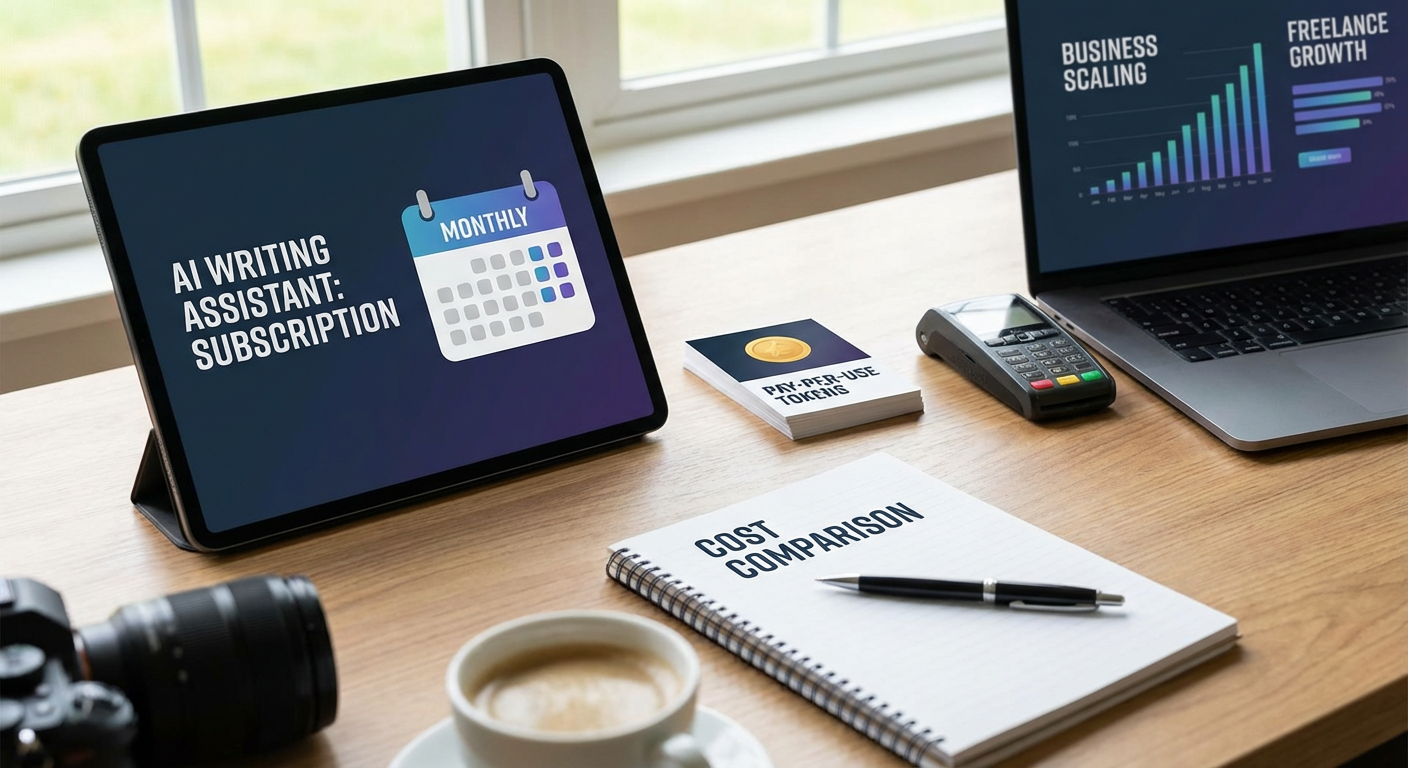
AI writing tools come in two main pricing structures, and each suits different freelance workflows. Subscription models give you unlimited access for a flat monthly fee, which works well if you produce content daily and can justify the cost through volume. Pay-per-use models charge by the word or task, making them better for occasional projects or freelancers just starting out.
The subscription approach offers better value at scale but creates a fixed expense even during slow months. Pay-per-use feels more flexible but can get expensive fast if your workload increases. Consider your typical monthly output and calculate which model actually costs less based on your real usage patterns, not your aspirational ones.
- Chatbot Platforms for Client Support: Hosted Services Versus Self-Hosted Solutions
Client communication takes up significant time for most freelancers, and chatbots can handle common questions automatically. Hosted platforms like Intercom or Drift offer polished interfaces and easy setup, but they charge monthly fees that increase with your contact volume. Self-hosted options using open-source frameworks give you more control and lower ongoing costs, but require technical setup and maintenance.
Hosted services win on convenience and professional appearance, making them ideal if you value your time over money. Self-hosted solutions appeal to technical freelancers who can handle the setup and want to avoid recurring fees. The middle ground is using simpler tools like ManyChat or Tidio, which offer hosted convenience at lower price points, though with fewer features than premium options.
- AI Scheduling Tools Compared: Calendly Versus Motion Versus Manual Calendar Management
Scheduling meetings wastes surprising amounts of time through back-and-forth emails. Calendly automates booking by sharing your availability and letting clients pick slots, eliminating most coordination. Motion takes this further by using AI to optimize your entire calendar, suggesting the best times for different task types based on your patterns.
Calendly costs less and integrates with most calendar systems, but it only handles meeting scheduling. Motion costs significantly more but manages your whole day, not just appointments. For freelancers with heavy meeting schedules, Calendly pays for itself quickly. For those juggling complex project timelines and deadlines, Motion’s higher cost might justify the comprehensive planning help. Manual management costs nothing but drains hours each week that could go toward billable work.
- Email Management: AI Sorting Versus Virtual Assistant Versus Doing It Yourself
Email consumes hours of every freelancer’s week, and different AI approaches handle it differently. Tools like SaneBox or Clean Email use algorithms to sort, prioritize, and even unsubscribe you from unwanted lists. They cost between ten and thirty dollars monthly and work automatically without human judgment. Virtual assistants with AI support can handle more nuanced decisions like drafting responses or flagging urgent items, but they cost hundreds monthly.
AI sorting tools excel at volume reduction and work well for straightforward email management. They miss context that humans catch, occasionally misclassifying important messages. Virtual assistants provide better judgment but cost ten times more and require onboarding. For most solo freelancers, AI sorting tools offer the best balance, saving several hours weekly for minimal cost. Reserve human assistants for when email involves complex client relationships that need personal attention.
- Proposal Generation: Template Tools Versus AI Writers Versus Custom Creation
Writing proposals takes significant time, especially when you send multiple each week. Template-based tools like Proposify or PandaDoc let you fill in blanks quickly and track when clients open your proposal. AI writing tools can generate custom proposals from scratch based on project details you provide, creating more personalized content but requiring more editing. Creating each proposal manually gives maximum customization but takes the longest.
Templates work best when your services fit standard packages and client needs are similar. They sacrifice personalization for speed and consistency. AI-generated proposals sound more custom and can adapt to unique client situations, but they need careful review to ensure accuracy and avoid generic language. Manual creation takes hours but lets you craft perfectly tailored messages. Many freelancers find the sweet spot by using templates for standard projects and AI generation for complex or high-value proposals that justify the extra editing time.
- Social Media Management: All-in-One Platforms Versus Specialized AI Tools
Maintaining social presence matters for freelancer visibility, but content creation and posting take time away from client work. All-in-one platforms like Buffer or Hootsuite handle scheduling across multiple networks and offer basic AI suggestions for posting times. Specialized AI tools focus on specific tasks like generating captions, creating graphics, or analyzing performance.
All-in-one platforms simplify management by putting everything in one dashboard, but their AI features tend to be basic compared to specialized tools. Specialized tools like Copy.ai for captions or Canva’s AI for graphics deliver better results in their specific area but require juggling multiple subscriptions. The trade-off is breadth versus depth. Freelancers posting occasionally across a few platforms benefit from all-in-one simplicity. Those building serious personal brands might justify multiple specialized tools for higher-quality output, despite the added complexity.
- Invoice and Accounting Automation: AI-Powered Versus Traditional Software
Financial management consumes time that doesn’t directly earn money, making it a prime automation target. Traditional accounting software like QuickBooks or FreshBooks handles invoicing and expense tracking with some automation features. AI-powered alternatives like Keeper or Vic.ai go further by automatically categorizing expenses, finding deductions, and even predicting cash flow.
Traditional software costs less and most accountants know how to work with these systems, simplifying tax time. AI-powered options cost more but save hours on bookkeeping tasks and often catch deductions you’d miss manually. For freelancers with simple finances and few transactions, traditional software provides adequate automation. Those with complex expense categories, multiple income streams, or poor bookkeeping habits benefit more from AI systems that require less manual categorization. Consider how much time you currently spend on financial admin and whether smarter automation would reclaim enough hours to justify higher costs.
- Project Management: AI Features in Existing Tools Versus Dedicated AI Project Managers
Keeping projects organized gets harder as your freelance business grows. Traditional project management tools like Trello, Asana, and Monday now include AI features for task suggestions and timeline predictions. Dedicated AI project management tools like Trevor or Taskade focus specifically on intelligent planning and prioritization.
Existing tools with AI features offer familiarity if you already use them, and the AI additions usually come free or cheap. Their AI capabilities tend to be supplementary rather than central. Dedicated AI project managers build everything around intelligent assistance, offering better predictions and suggestions but requiring you to learn new systems. Most freelancers should start by exploring AI features in tools they already use before switching platforms. Switch only if you find the AI assistance genuinely lacking and believe a dedicated tool would solve specific problems you’re experiencing.
- Contract Review: AI Legal Tools Versus Traditional Lawyer Review
Reviewing contracts before signing protects your business, but legal review is expensive. AI legal tools analyze contracts for problematic clauses and explain terms in plain language, costing between twenty and a hundred dollars per review. Traditional lawyer review costs several hundred dollars but includes professional judgment and negotiation advice.
AI tools work well for standard contracts where you mainly need to understand what you’re signing and catch obviously bad terms. They miss subtle issues that experienced lawyers spot and can’t advise on negotiation strategy. Lawyer review provides comprehensive protection but costs too much for routine contracts. A practical approach uses AI tools for most contracts and reserves lawyer review for large projects, unusual terms, or situations where significant money or liability is involved. Some freelancers use AI tools first, then bring concerning items to a lawyer for targeted advice, reducing legal costs while maintaining protection.
- Client Research: AI Research Assistants Versus Manual Research
Understanding potential clients before meetings or proposals improves your success rate. AI research assistants can scan company websites, social media, and news to compile briefings in minutes. Manual research gives you deeper insights and better understanding but takes significantly longer.
AI research tools excel at gathering basic facts quickly, giving you talking points and background information efficiently. They sometimes miss context or include outdated information, and they can’t assess soft factors like company culture or decision-maker personalities. Manual research takes hours but develops genuine understanding that helps you connect with prospects. The best approach combines both: use AI tools to gather facts and identify key information, then spend your limited manual research time on higher-level analysis and relationship insights that AI can’t provide. This hybrid method gives you thorough preparation in a fraction of the time.
- Performance Tracking: AI Analytics Versus Spreadsheet Tracking
Monitoring business metrics helps you make better decisions, but tracking everything manually in spreadsheets is tedious. AI analytics tools automatically pull data from various sources, identify trends, and alert you to important changes. Spreadsheets give you complete control and customization but require manual updates and analysis.
AI analytics tools save hours on data entry and spot patterns you might miss, but they cost monthly fees and may not track exactly what matters to your specific business. Spreadsheets are free and infinitely flexible but demand discipline to maintain and won’t proactively flag issues. For freelancers tracking basic metrics like revenue, client acquisition, and project profitability, spreadsheets often suffice. As your business grows more complex with multiple service lines, marketing channels, or revenue streams, AI analytics become worth the investment by surfacing insights that would take hours to extract manually. Consider starting simple and adding AI analytics when you find yourself spending more than an hour weekly on reporting.
Scaling your freelance business with AI instead of a team means making smart trade-offs between cost, convenience, and capability. The best tools for your situation depend on your technical comfort, budget, current bottlenecks, and growth stage. Start by identifying which tasks consume the most time without generating revenue, then compare AI solutions for those specific problems. You don’t need every tool at once. Add AI capabilities gradually, measuring whether each one actually saves more time or money than it costs. The goal is building a lean, efficient business that grows without the overhead of managing employees.