 on
on
15 Platforms for SEO Content Briefs, Writing, and Optimization Compared: Pros, Cons, and Trade-offs
Choosing the right platform for SEO content creation means weighing strengths against limitations. Some tools excel at research but fall short on collaboration. Others offer powerful optimization features but come with steep learning curves. This list breaks down 15 platforms with an honest look at what each does well, where it struggles, and how it stacks up against alternatives. Whether you prioritize affordability, ease of use, or advanced features, you’ll find a balanced assessment to help you make an informed choice.
- Legiit
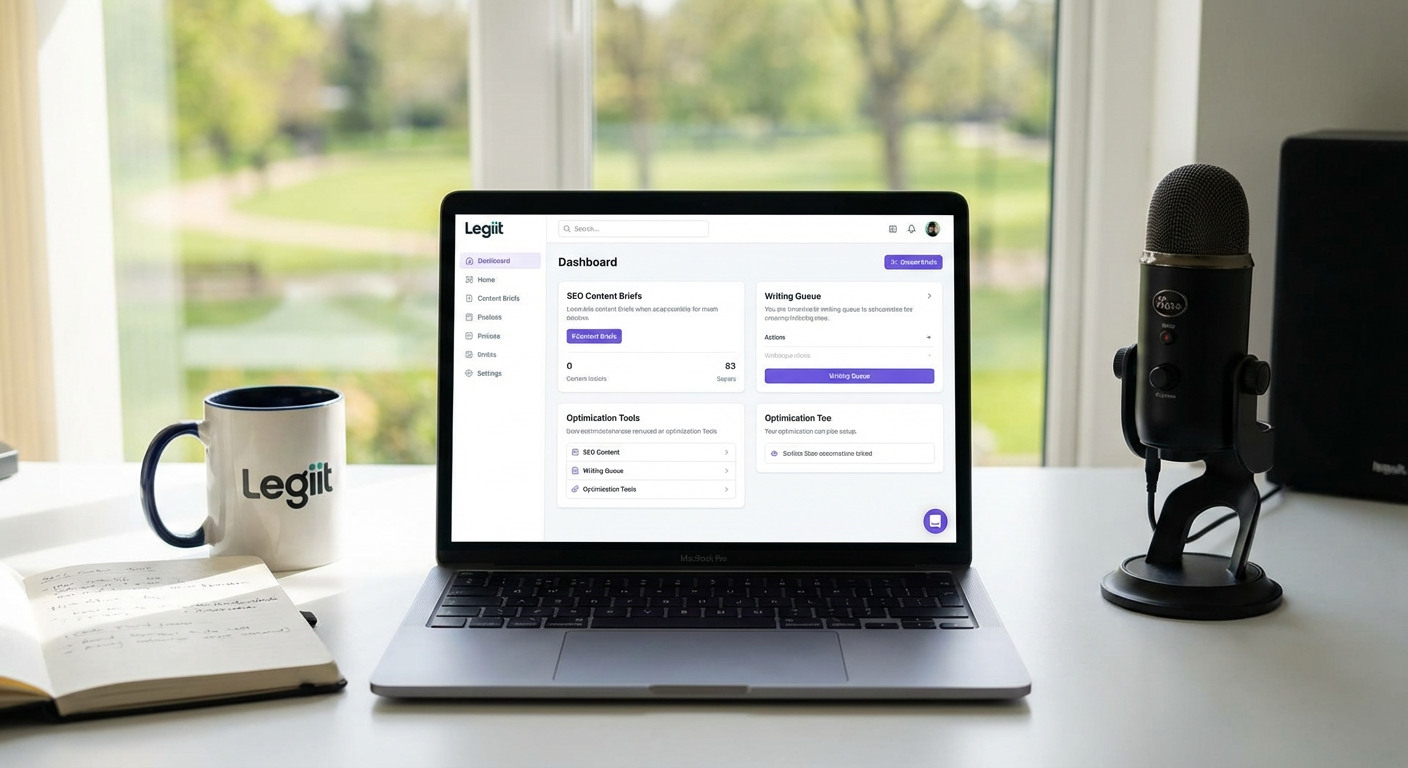
Legiit stands out as a marketplace that connects you directly with SEO writers and content strategists rather than providing software tools. The main advantage here is access to human expertise without the overhead of hiring full-time staff. You can find specialists who handle everything from keyword research to final drafts, which saves you from learning multiple platforms.
The trade-off is less direct control compared to doing it yourself with software. You depend on the quality and reliability of individual freelancers, though the platform’s review system helps with vetting. Pricing varies widely based on the service provider you choose, so budgeting can be less predictable than a flat monthly subscription. For teams that prefer outsourcing over in-house production, this model works well. For those who want hands-on control of every step, a software solution might be a better fit.
- Clearscope

Clearscope delivers strong content optimization with detailed keyword recommendations and readability scoring. The interface is clean and easy to understand, even for beginners. It integrates well with Google Docs and WordPress, which streamlines workflow for many teams.
On the downside, Clearscope focuses almost entirely on optimization rather than brief creation or project management. You’ll need separate tools for assigning tasks, tracking deadlines, and managing writers. The pricing sits at the higher end of the spectrum, which can be tough for small businesses or solo creators. If your main goal is polishing existing drafts to rank better, Clearscope is hard to beat. If you need an all-in-one solution, you’ll be patching together other services.
- Surfer SEO
Surfer SEO offers a comprehensive content editor that analyzes top-ranking pages and suggests specific changes to improve your content. The real-time scoring system gives instant feedback as you write, which helps writers stay on track without constant back-and-forth with editors. The platform also includes a content planner for identifying topics and keywords.
The main drawback is the learning curve. New users often feel overwhelmed by the volume of data and metrics presented. The tool can also push you toward keyword stuffing if you chase a perfect score too aggressively, which can hurt readability. Pricing is reasonable for agencies but might stretch the budget for freelancers. Surfer works best when you balance its recommendations with your own judgment about what makes content truly useful.
- Frase
Frase combines content brief generation with AI-assisted writing and optimization. It pulls questions and topics from search results to help you cover all angles readers care about. The brief templates are particularly strong, giving writers clear direction without excessive handholding.
The AI writing feature can produce generic or awkward phrasing that needs heavy editing. While it’s tempting to use the AI to speed things up, the output often lacks the nuance and personality that human writers bring. The optimization scoring is useful but not as detailed as some competitors. Frase is priced competitively, making it accessible for smaller operations. It’s a solid middle-ground choice if you want briefs and optimization in one place but are willing to do substantial editing on AI-generated sections.
- MarketMuse
MarketMuse uses sophisticated algorithms to analyze content gaps and suggest topics you should cover to establish authority in your niche. The platform is designed for content strategists who think long-term about building comprehensive topic clusters rather than chasing individual keywords.
The complexity and cost make MarketMuse a poor fit for casual users or small blogs. The interface requires significant time investment to master, and the insights can feel overwhelming if you’re not already familiar with content strategy concepts. Pricing starts high and scales up quickly with usage, putting it firmly in the enterprise category. For large content teams with serious budgets and strategic goals, MarketMuse provides depth that simpler tools can’t match. For everyone else, it’s overkill.
- SEMrush Writing Assistant
SEMrush Writing Assistant integrates directly into Google Docs and WordPress, offering real-time SEO recommendations as you type. It checks readability, tone, and keyword usage without requiring you to switch between applications. If you already subscribe to SEMrush for other SEO tasks, this tool adds value without extra cost.
The recommendations can be somewhat generic, and the tool lacks the depth of standalone content platforms. It won’t help you build detailed briefs or manage a content calendar. The scoring system sometimes prioritizes keyword density over natural language, which can lead to awkward phrasing if followed too closely. For writers who want basic optimization guidance without learning a new platform, this is convenient. For teams needing robust brief creation and project management, it falls short.
- ContentShake
ContentShake focuses on simplicity and speed, offering AI-generated content ideas and drafts with minimal setup. The platform targets small business owners and solopreneurs who don’t have time to become SEO experts. The interface is genuinely easy to use, with straightforward prompts and quick results.
The simplicity comes at the cost of customization and control. You can’t fine-tune many settings, and the AI output tends toward generic listicles and how-to articles. The optimization features are basic compared to dedicated tools like Clearscope or Surfer. Pricing is affordable, which fits the target audience. If you need to produce decent content quickly without much fuss, ContentShake delivers. If you want deep optimization or unique angles, you’ll need to layer in other tools or heavy manual editing.
- Dashword
Dashword provides clean, focused content briefs with relevant keywords and competitor analysis. The platform emphasizes clarity over feature bloat, which makes it approachable for writers who find other tools too technical. The collaboration features allow editors to leave feedback directly in briefs, streamlining communication.
Dashword lacks the real-time optimization scoring that many competitors offer. You create the brief, write the content, and then manually check if you’ve followed the guidelines. This works fine for disciplined teams but can lead to inconsistency if writers skip steps. The platform also doesn’t include project management features like task assignment or deadline tracking. Pricing is reasonable for small teams. Dashword works well as a brief creation tool paired with other platforms for optimization and workflow management.
- Writesonic
Writesonic leans heavily on AI to generate content quickly across multiple formats, from blog posts to ad copy. The tool can produce a full draft in minutes based on a simple prompt, which is helpful for high-volume content needs. The interface is user-friendly, and pricing tiers accommodate different usage levels.
The AI output quality varies wildly. Some drafts are surprisingly coherent, while others include factual errors, repetitive phrasing, or odd logical jumps. The SEO optimization features exist but are basic compared to specialized platforms. You’ll spend considerable time editing and fact-checking anything the AI produces. Writesonic is best viewed as a rough draft generator rather than a finished content solution. For teams that can afford the editing time and want to scale content production, it’s worth considering. For those who need accuracy and polish out of the gate, it’s risky.
- Copy.ai
Copy.ai offers AI-generated content with a focus on marketing copy and shorter formats, though it also handles blog content. The platform includes templates for different content types, which helps structure your requests. The output is generally more creative and punchy than some competitors, making it useful for social media and email campaigns.
For long-form SEO content, Copy.ai struggles with coherence and depth. The AI tends to produce surface-level information that lacks the detail search engines reward. The SEO features are minimal, so you’ll need separate tools for keyword research and optimization. Pricing is competitive, and the platform works well for generating ideas or first drafts that you plan to expand substantially. It’s not a complete solution for serious SEO content, but it can speed up certain parts of the process.
- INK Editor
INK Editor combines AI writing assistance with SEO optimization in a desktop application. The tool offers real-time scoring and suggestions as you write, similar to Surfer or Clearscope. The software runs locally, which some users prefer for speed and privacy. The pricing model is a one-time purchase rather than a subscription, which appeals to budget-conscious users.
The interface feels dated compared to modern web apps, and updates come less frequently than subscription-based competitors. The AI writing assistance is hit-or-miss, sometimes producing helpful suggestions and other times offering generic filler. The SEO recommendations are solid but not as detailed as top-tier platforms. INK works well for individual writers who want to avoid ongoing subscription costs and don’t mind a less polished interface. For teams needing collaboration features or the latest AI capabilities, cloud-based alternatives are better.
- Outranking
Outranking provides detailed content briefs with competitor analysis and SEO recommendations. The platform emphasizes understanding search intent and structuring content to match what users actually want. The brief creation process is thorough, giving writers a clear roadmap for comprehensive articles.
The platform can feel slow, with briefs sometimes taking several minutes to generate. The interface is functional but not particularly intuitive, requiring time to learn where everything is located. Pricing is on the higher side for what you get, especially compared to competitors with similar features. Outranking shines when you need deep briefs that account for user intent, but the performance issues and cost make it less appealing than faster, cheaper alternatives for routine content production.
- Scalenut
Scalenut offers an end-to-end content workflow from keyword research through brief creation to optimization. The platform includes AI writing capabilities and a content editor with real-time SEO scoring. The all-in-one approach means fewer tools to juggle, which simplifies workflow for small teams.
The breadth of features comes with a trade-off in depth. Each component is decent but not best-in-class. The AI writing is serviceable but not as good as dedicated AI platforms. The optimization scoring is helpful but less detailed than Clearscope or Surfer. The interface tries to do too much, which can make navigation confusing. Pricing is moderate, sitting between budget and premium options. Scalenut is a reasonable choice if you value convenience over having the absolute best tool for each task. For specialists who want top performance in specific areas, dedicated platforms are better.
- Topic
Topic focuses on content brief creation with strong research capabilities. The platform pulls data from multiple sources to build comprehensive briefs that cover all relevant angles. The collaboration features are well-designed, making it easy for strategists and writers to work together.
Topic doesn’t include content optimization or scoring features, so you’ll need another tool to check if your finished content actually follows the brief effectively. The platform also lacks AI writing assistance, which means it’s purely a planning tool. Pricing is reasonable but adds up when you factor in the additional tools you’ll need. Topic works well for content strategists who want to focus on high-quality brief creation and are comfortable using separate platforms for writing and optimization. For all-in-one seekers, it’s incomplete.
- GrowthBar
GrowthBar is a Chrome extension that provides SEO data and content suggestions directly in your browser. The tool offers keyword research, competitor analysis, and AI writing assistance without requiring you to leave your current workflow. The pricing is among the most affordable options available, making it accessible for beginners and small businesses.
The browser-based approach limits functionality compared to full web applications. The AI writing is basic, and the optimization features are minimal. You won’t find detailed scoring or comprehensive briefs. The tool works best as a supplementary research aid rather than a primary content platform. For users who want quick keyword data and simple suggestions while writing in Google Docs or WordPress, GrowthBar is convenient and cheap. For teams needing robust content planning and optimization, it’s too limited to rely on exclusively.
Every platform on this list makes trade-offs between features, ease of use, and cost. The right choice depends on your specific priorities and workflow. If you need human expertise without software complexity, a marketplace like Legiit makes sense. If you want deep optimization data and can handle a learning curve, Clearscope or Surfer SEO deliver results. Budget-conscious users might prefer GrowthBar or INK Editor, while large teams with complex needs might justify the cost of MarketMuse or Scalenut. Test a few options that match your priorities, and don’t be afraid to combine tools to cover gaps. The best setup is the one that actually fits how your team works, not the one with the longest feature list.