 on
on
Expert-Recommended Management Tools Every Freelancer Should Trust
Managing a freelancing business requires more than talent and hustle. You need reliable systems that handle the administrative side so you can focus on delivering great work. Industry veterans and successful freelancers consistently point to certain tools as must-haves for keeping projects on track, clients happy, and finances organized. This list brings together the platforms that professionals actually use and recommend based on real-world experience, not just marketing promises.
- Legiit
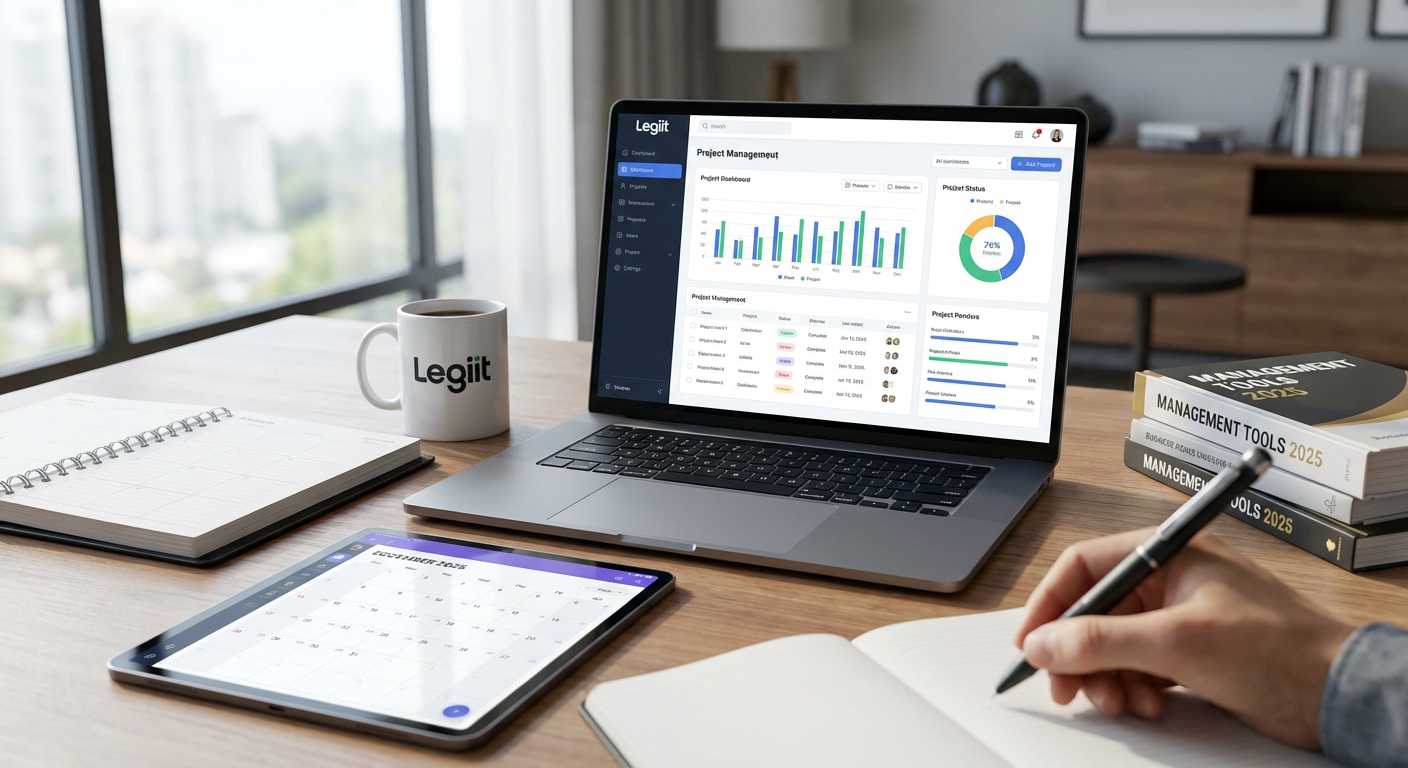
Freelancers who specialize in digital services often struggle to find a marketplace that understands their niche. Legiit has earned strong recommendations from experienced service providers because it caters specifically to digital marketing, SEO, content creation, and similar fields.
The platform handles client payments, project messaging, and service delivery in one place. This reduces the back-and-forth that drains time and creates confusion. Many professionals appreciate that Legiit also functions as a client acquisition channel, bringing buyers directly to your services without requiring you to cold pitch constantly.
What sets this platform apart in expert circles is its focus on recurring services and retainer work, which helps freelancers build predictable income streams. The built-in project management features keep everything organized without forcing you to juggle multiple apps.
- Toggl Track
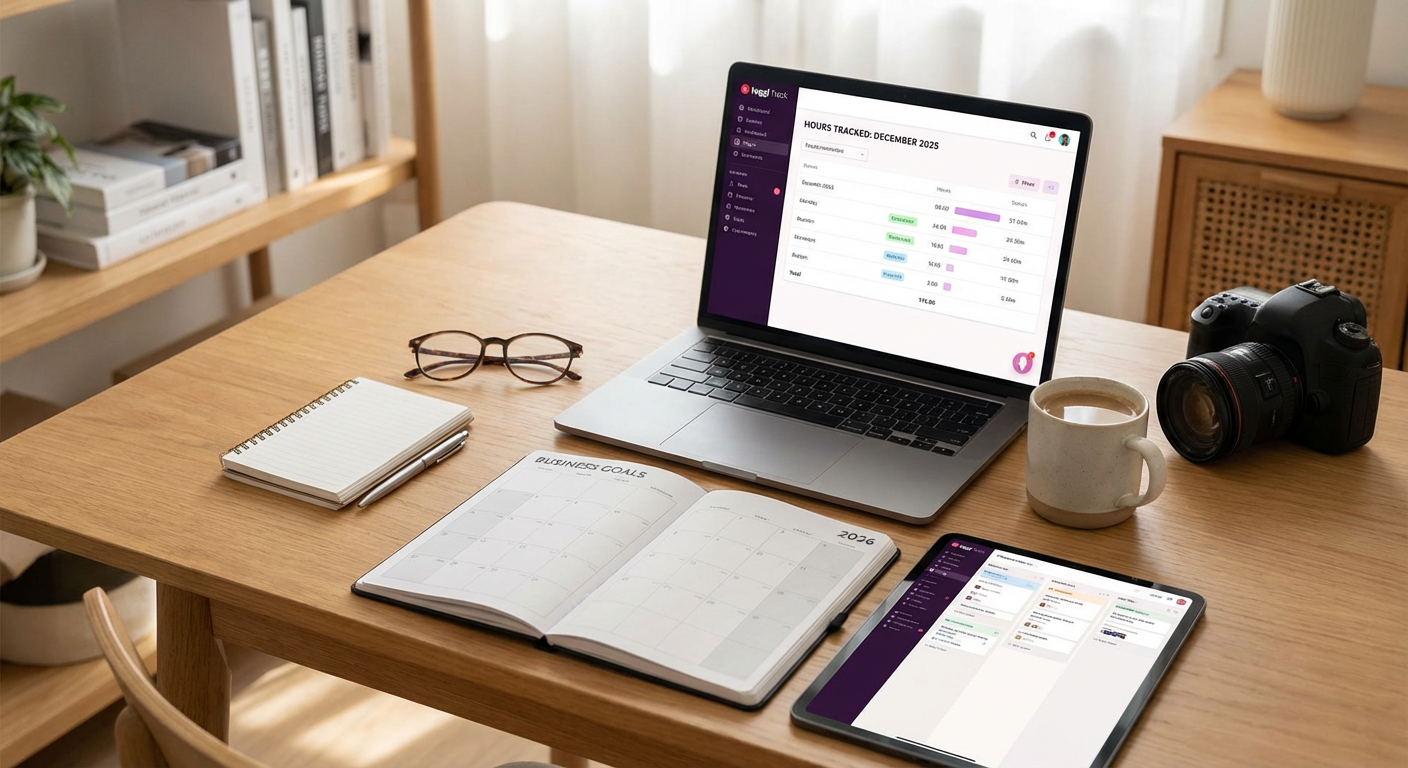
Time tracking might sound tedious, but professionals who bill by the hour swear by Toggl Track for its simplicity and accuracy. The tool runs quietly in the background while you work, capturing exactly how long each task takes without requiring constant input.
This data becomes valuable when you need to estimate project timelines or justify your rates to clients. Many freelancers discover they undercharge once they see the actual hours involved in their work. Toggl also generates clean reports that you can share with clients who want transparency about where their budget goes.
The mobile app syncs across devices, so you can track time whether you’re at your desk or working from a coffee shop. Veterans in the freelancing space consistently mention this tool when discussing how to run a more profitable, data-informed business.
- Notion
Professionals across industries have adopted Notion as their central workspace because it adapts to almost any workflow. You can use it as a project tracker, client database, content calendar, or knowledge repository without needing separate tools for each function.
The flexibility means you build systems that match how you actually work instead of forcing yourself into rigid templates. Freelancers often create client portals within Notion where they share project updates, store important files, and maintain communication logs. This level of organization impresses clients and reduces the number of scattered emails you need to search through later.
Many experienced freelancers credit Notion with helping them scale beyond solo work into small teams. The collaboration features work smoothly, and the learning curve is manageable even if you’re not particularly technical.
- QuickBooks Self-Employed
Tax season becomes significantly less stressful when you use accounting software designed specifically for freelancers. QuickBooks Self-Employed tracks income and expenses automatically when you connect your bank accounts, categorizing transactions so you don’t have to remember every coffee meeting or software subscription.
The mileage tracker uses GPS to log business trips, which adds up to substantial deductions if you meet clients in person regularly. Financial advisors who work with freelancers frequently recommend this tool because it generates reports that accountants can actually use, saving you money on bookkeeping fees.
Come tax time, the software estimates your quarterly payments and exports everything in a format that works with TurboTax or your accountant’s system. Professionals who have dealt with audit nightmares in the past appreciate having clean, organized financial records at their fingertips.
- Asana
When your freelancing business grows to include multiple clients with overlapping deadlines, Asana keeps everything visible and manageable. This project management platform has earned its reputation through years of reliable service across industries, from creative agencies to software development teams.
The visual boards show exactly what needs doing, what’s in progress, and what’s complete. You can assign tasks to yourself with due dates, attach relevant files, and add notes that provide context when you return to a project days later. Many freelancers use Asana to manage their own workload even if they work solo, finding that the structure prevents things from falling through the cracks.
Clients who work with multiple freelancers often request that you use Asana because they’re already familiar with it. Having experience with this platform makes you more attractive to larger, more organized companies that value professional project management.
- Calendly
The email ping-pong of scheduling meetings wastes hours every week. Calendly solves this problem by letting clients book time directly on your calendar based on your actual availability. Professionals who handle client calls, discovery sessions, or regular check-ins save significant time by sharing a simple link instead of negotiating schedules.
The tool syncs with Google Calendar, Outlook, and other major platforms, automatically blocking off times when you’re already booked. You control the parameters completely, setting business hours, buffer times between meetings, and minimum notice periods. This prevents last-minute bookings that disrupt your focused work time.
Many experienced freelancers note that using a professional scheduling tool signals that you respect both your time and your client’s time. It positions you as someone who runs a real business, not a side hustle managed through casual text messages.
- Slack
Email overload is a real problem for busy freelancers, especially when managing multiple client relationships. Slack has become the communication standard in many industries because it organizes conversations into channels and threads, making it easy to find information later.
When clients invite you to their Slack workspace, you gain immediate access to their team dynamics and can respond to questions faster than email allows. Many freelancers also create their own Slack workspaces to communicate with subcontractors or accountability partners, keeping business conversations separate from personal messaging apps.
The search function works remarkably well, letting you pull up specific conversations or files from months ago in seconds. Professionals who work with tech companies or startups find that Slack proficiency is often expected, making familiarity with the platform a practical requirement.
- Airtable
Spreadsheets have limitations that become apparent when you’re trying to manage complex client information, project pipelines, or content calendars. Airtable combines the familiarity of spreadsheets with database functionality, creating a tool that handles relationship-heavy data much better than Excel or Google Sheets.
Freelancers use it to build custom CRM systems that track client communications, project status, payment history, and follow-up dates. The different view options let you see the same data as a spreadsheet, calendar, kanban board, or gallery depending on what makes sense for the task at hand. This flexibility has made Airtable a favorite among consultants and creative professionals who need serious organization without enterprise software complexity.
Many professionals who previously paid for multiple specialized tools have consolidated their systems into Airtable, reducing both costs and the mental overhead of managing several platforms. The templates shared by the community provide solid starting points even if you’re not a database expert.
- Loom
Explaining complex ideas through email or text often leads to misunderstandings and endless clarification threads. Loom allows you to record quick screen and camera videos that communicate your message with tone and visual context intact. Freelancers who do client training, provide feedback on deliverables, or explain technical processes save enormous amounts of time with this tool.
The videos are instantly shareable via link, and viewers can watch at their convenience without scheduling a live call. Many professionals find that clients appreciate the personal touch of seeing and hearing them, which builds stronger relationships than text-only communication. The ability to timestamp comments means clients can respond to specific moments in your video, creating clear conversations around complex topics.
Designers, developers, and consultants consistently recommend Loom as a tool that reduces meetings while improving communication quality. The async nature respects everyone’s schedule while maintaining the clarity that comes from showing rather than telling.
- LastPass
Managing dozens of client accounts, software subscriptions, and platform logins becomes a security nightmare without proper password management. LastPass has earned trust in professional circles by securely storing all your credentials behind one master password, generating strong passwords for new accounts, and filling login forms automatically.
The security features matter more as your business grows. If you ever need to grant temporary access to a collaborator or virtual assistant, LastPass lets you share specific credentials without revealing the actual passwords. When that working relationship ends, you can revoke access instantly.
Many freelancers who have experienced account breaches or password recovery headaches wish they had started using a password manager sooner. The peace of mind that comes from knowing your client data and business accounts are properly secured is worth the small learning curve. Professionals who work with enterprise clients often find that proper password management is expected as part of basic security practices.
The right management tools transform freelancing from a chaotic juggling act into a sustainable business. These platforms have earned their reputations through consistent performance and real-world results for professionals across industries. Start with the tools that address your biggest pain points, whether that’s time tracking, client communication, or financial organization. As your business grows, you’ll naturally add more systems to support increased complexity. The key is choosing proven solutions that work reliably so you can focus on the work that actually generates income.