 on
on
10 Easy-to-Use Tools Every Beginner Freelancer Needs to Start Strong
Starting a freelancing business can feel overwhelming when you’re faced with endless tool recommendations and complicated software. The good news is that you don’t need an advanced degree in tech to get your freelance operation running smoothly. This guide focuses on straightforward, beginner-friendly tools that won’t leave you scratching your head or draining your bank account. Whether you’re just leaving your day job or testing the freelance waters for the first time, these ten tools will help you handle the essentials without a steep learning curve. Let’s look at what you actually need to get started and grow your freelance business with confidence.
- Legiit for Finding Your First Clients and Services
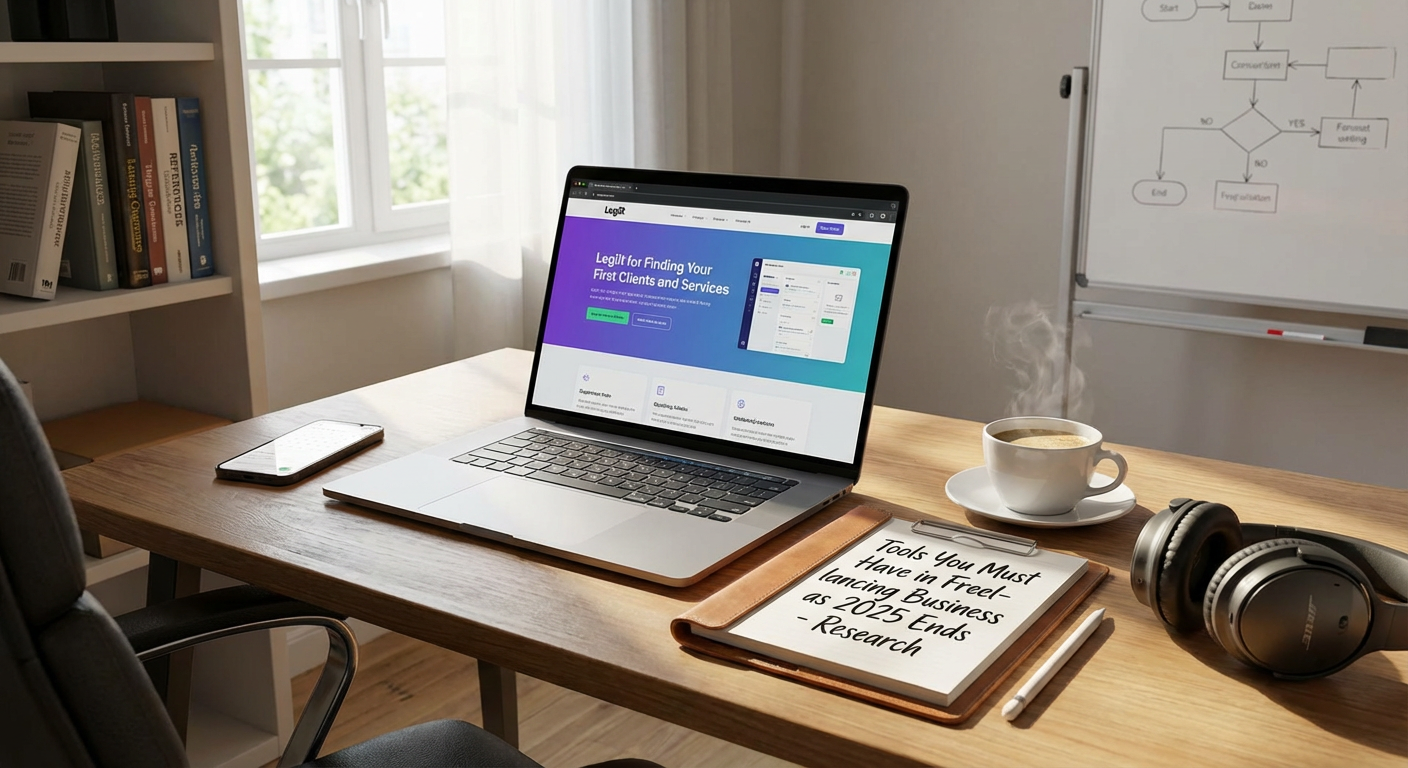
When you’re new to freelancing, finding clients feels like the biggest challenge. Legiit solves this problem by connecting freelancers with buyers who are actively looking for services. The platform is designed with simplicity in mind, so you can set up your seller profile and start offering services within hours, not days.
What makes Legiit particularly helpful for beginners is that you can see exactly what other successful freelancers are offering and how they price their work. This gives you a clear roadmap instead of guessing what clients want. You can start with small, manageable projects to build your portfolio and confidence. The payment system is built in, which means you don’t have to worry about chasing invoices or setting up complicated payment processors on your own. For someone taking their first steps in freelancing, having a marketplace that handles the technical details while you focus on delivering good work is incredibly valuable.
- Wave for Simple Accounting Without the Headache
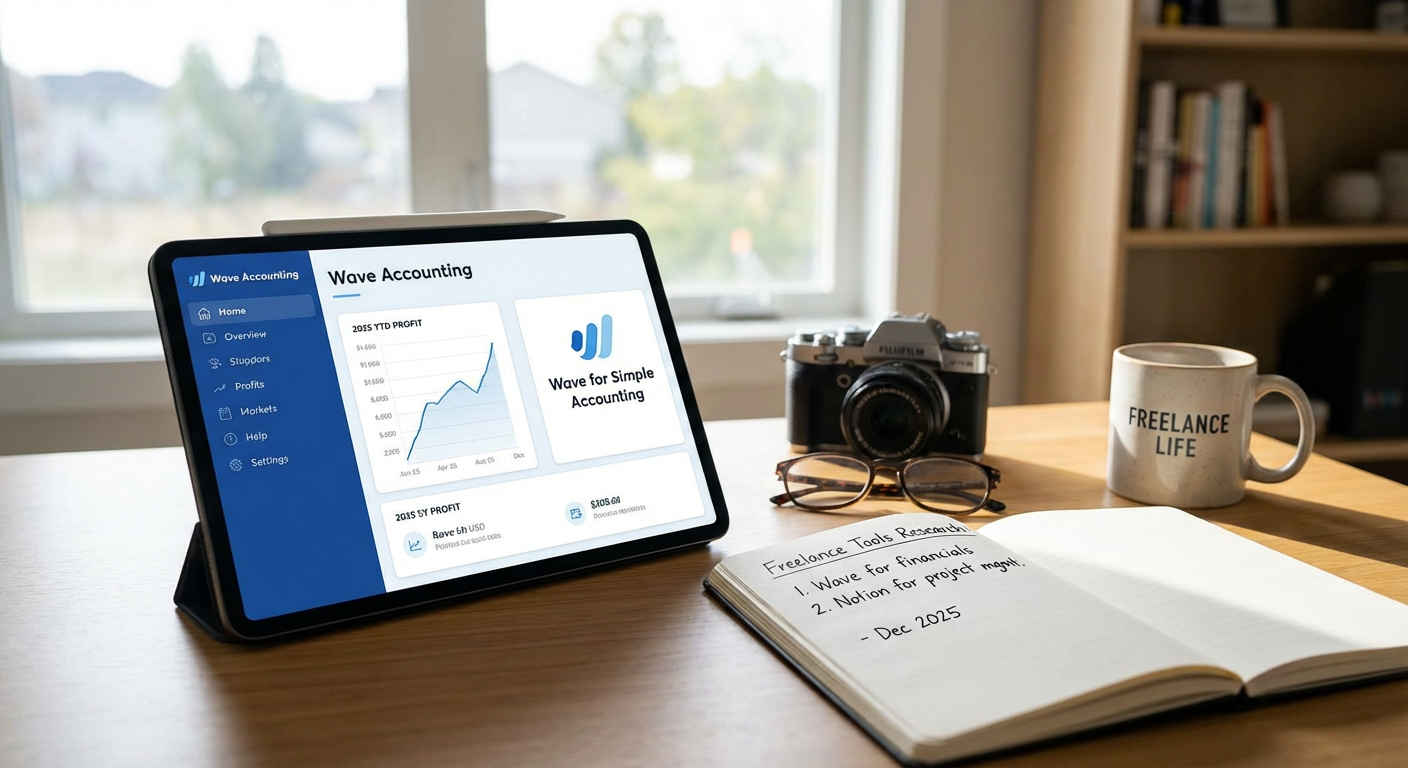
Accounting scares most new freelancers, but Wave makes it surprisingly manageable. This free software handles invoicing, expense tracking, and basic bookkeeping without requiring you to understand complicated accounting principles. You can create professional invoices in minutes using their templates, and clients can pay you directly through the invoice link.
The mobile app lets you snap photos of receipts while you’re out, automatically organizing your expenses by category. When tax time rolls around, you’ll have everything in one place instead of digging through shoeboxes and email folders. Wave also generates simple reports that show you exactly how much you’re earning and spending each month. For someone who just wants their finances organized without becoming an accounting expert, Wave delivers exactly what you need without the confusion.
- Canva for Creating Graphics Without Design Skills
You don’t need to master Photoshop to create professional-looking graphics for your freelance business. Canva provides thousands of templates for everything from social media posts to business cards to client presentations. The drag-and-drop interface is so intuitive that you’ll be creating polished designs within minutes of signing up.
The free version gives you access to plenty of templates, images, and fonts to cover most of your needs. You can resize designs instantly to fit different platforms, which saves hours of recreating content from scratch. Whether you need a logo for your freelance brand, graphics for your portfolio website, or visual content for marketing yourself, Canva handles it all without requiring design training. The learning curve is practically flat, making it perfect for beginners who need to look professional without investing months in learning complex design software.
- Google Workspace for Email and File Organization
A professional email address is one of the first things clients notice, and Google Workspace makes this easy. For a small monthly fee, you get a custom email address with your domain name, plus access to Google Drive, Docs, Sheets, and Calendar. Everything syncs automatically across your devices, so you can work from anywhere without worrying about file versions or lost documents.
Google Docs and Sheets are perfect for beginners because most people already know how to use them from school or previous jobs. You can share documents with clients for real-time collaboration, and the automatic saving means you’ll never lose work to a computer crash. The storage space lets you keep all your client files organized in one place, with easy sharing options when you need to send something. For new freelancers, this familiar set of tools removes the stress of learning entirely new systems while still looking completely professional to clients.
- Trello for Managing Projects Visually
Keeping track of multiple client projects can quickly become chaotic, but Trello makes project management visual and simple. The board system uses cards that you move through different stages, like a digital version of sticky notes on a wall. You can see at a glance what tasks are waiting, what you’re working on, and what’s finished.
Setting up a Trello board takes just a few minutes, and the system is flexible enough to match however your brain works. You can add due dates, checklists, attachments, and notes to each card, keeping all project information in one spot. The free version handles everything most solo freelancers need, and you can access it from your phone when you’re away from your desk. Unlike complicated project management software that requires training, Trello makes sense immediately. You’ll spend less time figuring out the tool and more time actually getting work done.
- Grammarly for Error-Free Communication
Your writing represents your professionalism, and small mistakes can cost you client trust. Grammarly catches errors that spell-check misses, including grammar problems, awkward phrasing, and tone issues. The free version covers the essentials, and the browser extension works across email, social media, and most writing platforms.
What makes Grammarly beginner-friendly is that it explains why something is wrong, helping you learn as you go. You don’t need to remember every grammar rule because Grammarly catches issues in real time while you type. The tool also suggests improvements to make your writing clearer and more professional. For new freelancers who want to communicate confidently with clients but worry about making mistakes, Grammarly acts like a safety net. Your proposals, emails, and deliverables will look polished and professional, even if English isn’t your strongest skill.
- Calendly for Scheduling Client Calls Effortlessly
The back-and-forth of scheduling calls wastes time and looks unprofessional. Calendly solves this by letting clients book time directly from your available slots. You connect your calendar, set your availability, and share your Calendly link. Clients pick a time that works for them, and the meeting appears automatically on both calendars.
The system handles time zones automatically, sends reminder emails, and even includes video call links if you use Zoom or Google Meet. This eliminates the awkward email chains of “Does Tuesday work?” followed by “Actually, can we do Wednesday instead?” The free version covers all the basics that most freelancers need. For beginners who want to look organized and respect everyone’s time, Calendly makes scheduling feel professional and effortless. You’ll wonder how you ever managed without it.
- LastPass for Managing Passwords Securely
Freelancers juggle accounts for clients, tools, social media, and more. Using the same password everywhere is risky, but remembering dozens of unique passwords is impossible. LastPass stores all your passwords securely and fills them in automatically when you need them. You only have to remember one master password.
The browser extension works seamlessly, and the mobile app means you can access your passwords anywhere. LastPass also generates strong, random passwords when you create new accounts, so you don’t have to think up passwords that are both secure and memorable. The free version handles everything a solo freelancer typically needs. For beginners worried about security but not wanting to become cybersecurity experts, LastPass handles the technical complexity while keeping things simple on your end. You’ll be more secure without adding stress to your day.
- Loom for Recording Quick Video Messages
Sometimes explaining something in writing takes forever, but a quick video makes everything clear. Loom lets you record your screen, your face, or both, and instantly creates a shareable link. This is perfect for giving clients project updates, explaining revisions, or providing feedback on their materials.
The recording process is incredibly simple: click record, do your thing, and click stop. Loom immediately uploads the video and gives you a link to share. No editing required, no complicated software to learn. Clients appreciate the personal touch of seeing your face and hearing your voice, and you’ll save significant time compared to writing long emails. The free plan gives you enough recording time for regular use. For beginners who want to communicate more effectively without learning video editing, Loom provides a perfect middle ground between text and formal video production.
- Notion for Organizing Everything in One Place
Freelancers need somewhere to keep notes, track ideas, manage to-do lists, and store resources. Notion combines all these functions into one flexible workspace. You can create pages for different clients, projects, or aspects of your business, and link them together however makes sense to you.
The templates library gives you starting points for common needs like project trackers, content calendars, and goal planners. You can keep things as simple or detailed as you want, and the system grows with you as your freelance business expands. Everything is searchable, so you can quickly find that note you wrote three months ago. Notion works on all devices and syncs automatically, meaning your information is always accessible. For beginners who feel scattered across multiple apps and notebooks, Notion provides a central home for all your business information without requiring you to learn complicated database systems.
- Toggl Track for Understanding Where Your Time Goes
New freelancers often struggle with pricing because they don’t know how long tasks actually take. Toggl Track helps you understand your time investment with incredibly simple time tracking. You click start when you begin working, click stop when you finish, and the app records everything.
The reports show you exactly how much time you spent on each client or project, which helps you price your services accurately and spot time-wasting activities. You can track time from your computer or phone, and the app runs quietly in the background without interrupting your work. The free version handles all the basics that solo freelancers need. For beginners who want to work smarter and price their services fairly, tracking time removes the guesswork. You’ll have data to support your decisions instead of vague estimates about how long things take.
Building a successful freelance business doesn’t require mastering dozens of complicated tools or spending a fortune on software subscriptions. These ten beginner-friendly options cover the essential functions you need: finding clients, managing money, staying organized, communicating professionally, and working efficiently. Each tool prioritizes simplicity and quick setup, so you can focus on serving clients and building your skills instead of wrestling with technology. Start with the tools that address your biggest current challenges, then add others as your business grows. The right tools make freelancing feel manageable instead of overwhelming, giving you the confidence to take on more work and grow at your own pace. Your freelance success depends on your skills and dedication, but having the right tools in your corner certainly makes the path much smoother.