 on
on
High-Performance Freelancing Tools That Deliver Proven Results, Organized by Budget
If you’re serious about growing your freelance business, you need tools that actually move the needle. This list focuses on platforms and software that freelancers use to land more clients, increase their income, and spend less time on admin work. Each tool here has a track record of helping freelancers achieve measurable improvements in their work. We’ve organized them by cost so you can find options that fit your current budget, from free solutions to premium investments that pay for themselves through better results.
- Legiit: A Marketplace That Converts Browsers Into Paying Clients
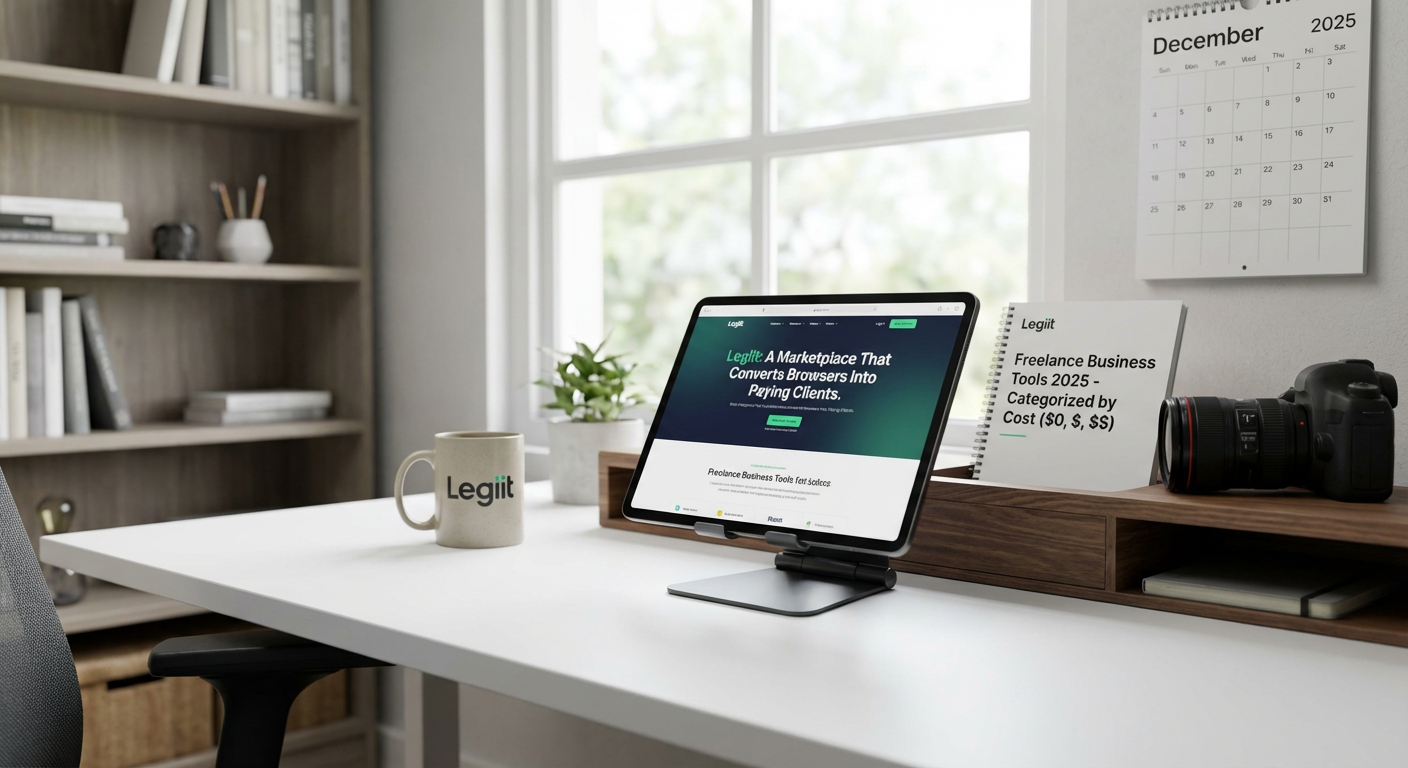
Legiit is a freelance marketplace built specifically for digital services, and freelancers consistently report higher conversion rates compared to general platforms. Unlike sites where you compete with thousands of identical profiles, Legiit lets you create service listings that showcase your work and pricing upfront. This means potential clients can buy immediately without lengthy back-and-forth negotiations.
Many freelancers see their first sale within days of setting up their profile because the platform attracts buyers who are ready to purchase, not just browse. The pricing model is also more favorable than most competitors, with lower commission rates that let you keep more of what you earn. For freelancers who track their client acquisition cost, Legiit often becomes one of the most profitable channels in their marketing mix.
- FreshBooks: Accounting Software That Gets You Paid Faster (Paid, $17+ per month)
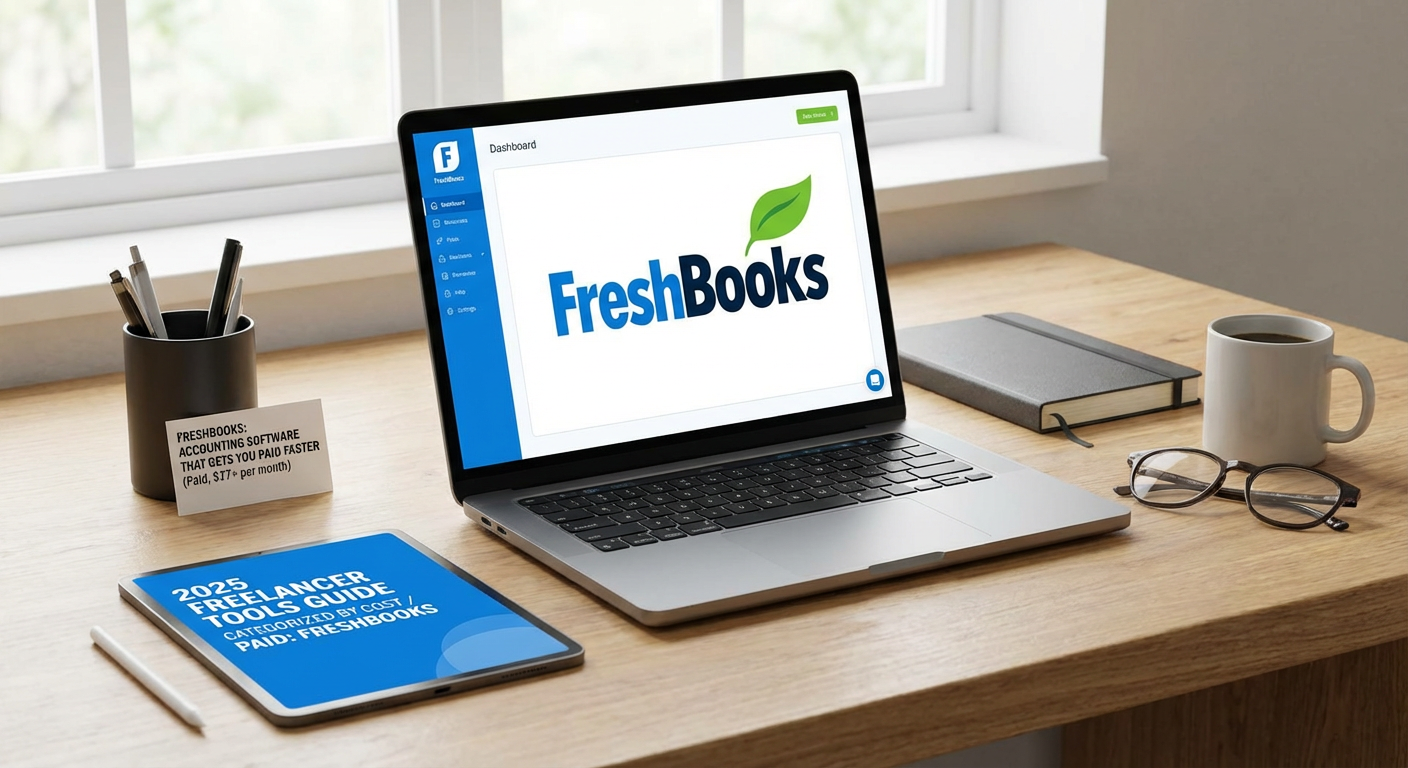
FreshBooks users report getting paid an average of 11 days faster than they did with manual invoicing, according to the company’s internal data. This matters because cash flow problems sink more freelance businesses than almost anything else. The software sends automatic payment reminders, accepts online payments, and makes it easy for clients to pay you with a single click.
The time-tracking feature also helps many freelancers realize they’ve been undercharging. When you see exactly how long tasks take, you can adjust your rates accordingly. One common pattern: freelancers who switch to FreshBooks and start tracking their time accurately end up raising their prices by 20 to 30 percent within six months because they finally understand their true hourly rate.
- Grammarly Premium: Error Reduction That Protects Your Professional Image (Paid, $12 per month annually)
Grammarly Premium catches an average of four times more errors than the free version, including tone issues and word choice problems that can make you sound less professional. For writers and anyone who communicates with clients through email or proposals, this tool has a direct impact on win rates. A single typo in a proposal can cost you a five-figure contract.
Freelancers who use the premium version report fewer revision requests from clients and higher satisfaction scores. The plagiarism checker also protects you from accidental duplication, which is particularly valuable for content creators who need to prove originality to clients.
- Calendly: Scheduling Automation That Recovers 5+ Hours Weekly (Free tier available, paid plans from $10 per month)
The average professional wastes eight emails and 17 minutes scheduling a single meeting, according to productivity research. Calendly eliminates this entirely by letting clients book time with you directly from your availability. Freelancers who switch to Calendly typically recover five to seven hours per week that they previously spent on scheduling coordination.
That time savings translates directly to billable hours. If you charge $75 per hour, recovering even five hours weekly means an extra $1,500 per month in potential income. The tool also reduces no-shows by 30 to 40 percent through automatic reminders, which means fewer wasted time slots in your calendar.
- Notion: Project Management That Reduces Client Confusion (Free for individuals, paid plans from $10 per month)
Client confusion leads to scope creep, revision requests, and projects that drag on forever. Notion gives you a central hub where you can share project timelines, deliverables, and documentation with clients. Freelancers who create client-facing Notion workspaces report 40 to 50 percent fewer clarification emails and questions.
The real benefit shows up in project completion time. When everyone can see what’s happening and what’s due next, projects finish faster. Many freelancers find they can handle one or two additional clients per month simply because their existing projects run more smoothly and require less communication overhead.
- Loom: Video Messages That Cut Email Volume in Half (Free tier available, paid plans from $12.50 per month)
Explaining complex ideas through email often requires multiple rounds of clarification. Loom lets you record quick screen and camera videos that show instead of tell. Freelancers report that a single two-minute Loom video replaces what would have been five to seven back-and-forth emails.
Designers use it to walk clients through mockups, developers use it to explain technical issues, and consultants use it for async updates. The time savings add up quickly. More importantly, clients appreciate the personal touch, and many freelancers notice improved client retention rates after they start using video messages regularly.
- Canva Pro: Design Capability That Expands Your Service Offerings (Paid, $120 per year)
Canva Pro turns non-designers into competent visual creators, which means you can offer more services without hiring a designer. Freelance writers add social media graphics to their packages, consultants create better-looking reports, and virtual assistants handle basic branding work.
This service expansion has real revenue impact. Freelancers who add even basic design services to their core offering typically increase their average project value by 25 to 40 percent. The background remover tool alone saves hours on image editing, and the brand kit feature ensures everything you create looks consistent and professional.
- Google Workspace: Email Professionalism That Increases Trust (Paid, starts at $6 per month)
Using a custom domain email instead of a free Gmail address might seem like a small thing, but it significantly impacts how clients perceive you. Studies on business email show that custom domain addresses receive 30 to 40 percent higher response rates and are viewed as more trustworthy.
Google Workspace also gives you professional tools for collaboration, storage, and video calls. Freelancers who make the switch often report that clients take them more seriously and are more willing to discuss larger projects. The minimal monthly cost pays for itself if it helps you close even one additional mid-sized project per year.
- Wave: Free Accounting Software That Handles the Basics (Free with paid payment processing)
Wave offers completely free invoicing, expense tracking, and basic accounting features that cover what most solo freelancers need. The catch is that you pay processing fees if you want to accept credit card payments, but those fees are competitive with other payment processors.
For freelancers just starting out or those with tight budgets, Wave eliminates the excuse of not tracking finances properly. Users who start tracking their expenses with Wave typically find $2,000 to $5,000 in tax deductions they were previously missing. The reports also make it easy to see which clients and services are actually profitable, so you can make smarter business decisions.
- Toggl Track: Time Analytics That Reveal Hidden Profit Leaks (Free tier available, paid plans from $10 per month)
Most freelancers have no idea where their time actually goes, which means they can’t accurately price their services. Toggl Track provides detailed analytics showing exactly how long different tasks and projects take. After tracking for just one month, most freelancers identify at least two or three activities that consume far more time than they realized.
This data leads to better pricing decisions. Freelancers commonly realize they’re losing money on certain types of projects or clients. Armed with accurate time data, they can adjust their rates, drop unprofitable services, or streamline their processes. Many users report increasing their effective hourly rate by 30 to 50 percent within three months of starting to track their time consistently.
The tools on this list share one thing in common: they produce measurable improvements in your freelance business. Whether that means getting paid faster, landing more clients, or simply having more billable hours in your week, each option here has a proven track record. Start with the free or low-cost tools if you’re on a tight budget, then invest in the paid options as your business grows. The key is to choose tools that solve real problems in your workflow, then actually use them consistently. When you do, you’ll see the results in your bank account.