 on
on
12 Smart Platforms That Combine Hiring, Analytics, and Project Execution
Managing a business means juggling multiple tools: one for hiring talent, another for tracking performance, and yet another for getting work done. This scattered approach wastes time, creates confusion, and makes it harder to see the big picture. The good news? A growing number of platforms now let you handle all three tasks in one place. Whether you run a small agency, manage a growing startup, or coordinate remote teams, these all-in-one workspaces can simplify your workflow and give you back hours each week. This list covers platforms that truly integrate hiring, data analysis, and execution so you can stop switching between tabs and start getting more done.
- Legiit
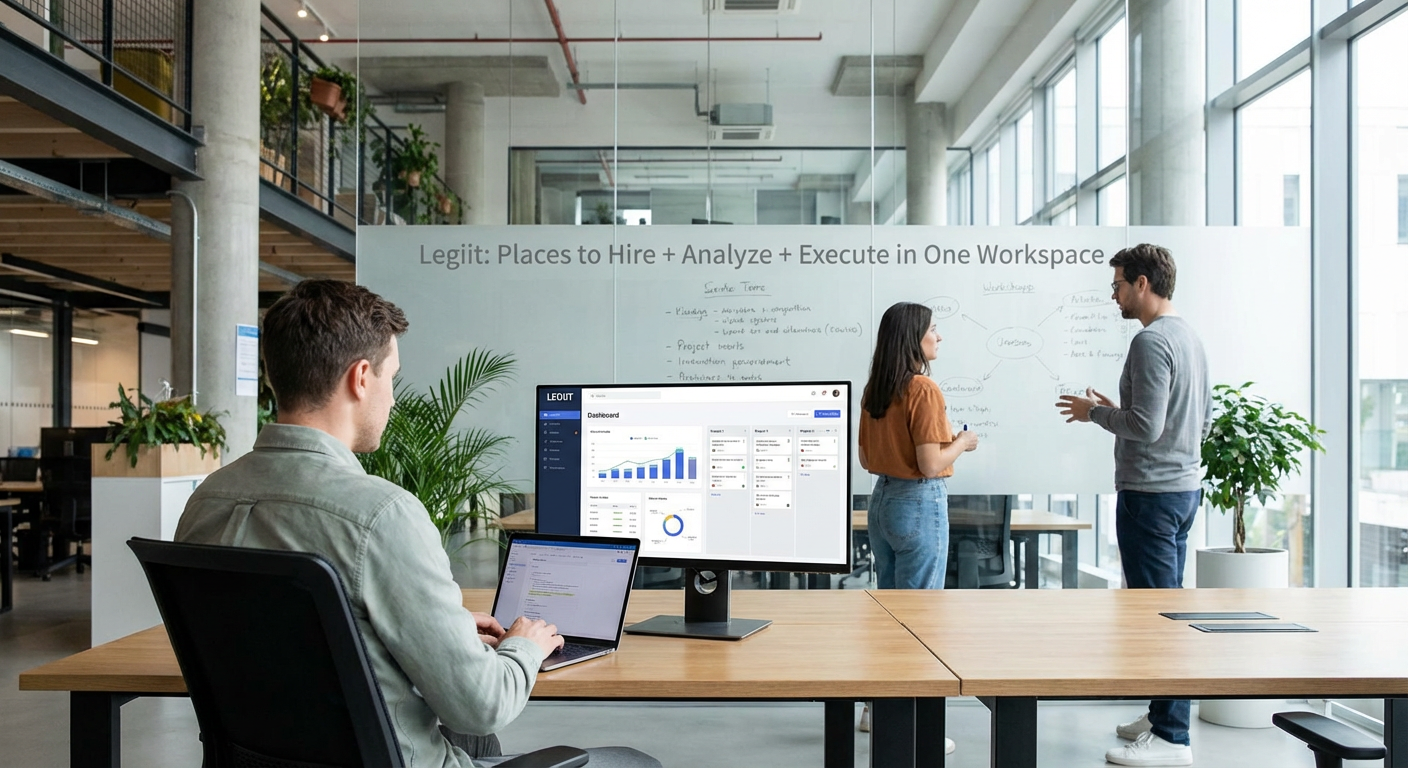
Legiit stands out as a freelance marketplace built specifically for digital services, but it goes far beyond simple hiring. You can post projects, review detailed seller profiles with verified reviews, and hire specialists in everything from content writing to web development. Once you hire someone, the platform keeps all your communication, files, and project updates in one dashboard. You get built-in analytics showing project timelines, budget tracking, and completion rates. The workspace lets you manage multiple hires simultaneously, compare performance across different contractors, and execute entire campaigns without leaving the platform. For agencies and marketers who need reliable talent plus the ability to track results in real time, Legiit offers a complete solution that keeps everything organized under one roof.
- Upwork

Upwork remains one of the largest freelance platforms, connecting businesses with millions of independent professionals across nearly every field. The platform includes robust hiring tools with skill tests, portfolio reviews, and detailed work history. Once you bring someone on board, Upwork provides a workspace where you can chat, share files, and track hours through its desktop app. The built-in time tracking and work diary features give you transparency into how your budget is being spent. Analytics dashboards show you spending patterns, project timelines, and contractor performance metrics. While the interface can feel overwhelming at first due to its sheer scale, the depth of data and the ability to manage everything from recruitment to final delivery makes it a solid choice for businesses that want control and visibility.
- Toptal
Toptal takes a different approach by pre-screening talent before you ever see them. They claim to accept only the top three percent of applicants, which means less time spent sorting through candidates. Once Toptal matches you with a developer, designer, or finance expert, you get access to their project management tools. These include time tracking, milestone setting, and progress reports all visible in a single dashboard. The platform provides detailed analytics on project velocity, budget burn rate, and deliverable completion. Because Toptal handles vetting and administrative tasks, you can focus on execution while still having access to performance data. This works especially well for companies that need specialized talent quickly and want someone else to handle the screening process.
- Fiverr Business
Fiverr Business is the enterprise version of the popular gig marketplace, designed for teams rather than individuals. It lets you create a company account where multiple team members can hire freelancers, manage projects, and track spending. The workspace includes features like bulk ordering, vendor management, and centralized billing. Analytics tools show you which services deliver the best results, how long projects typically take, and where your budget goes each month. You can compare freelancer performance side by side and identify top performers for repeat work. The platform also includes collaboration features so your team can review deliverables, leave feedback, and approve work without endless email chains. For companies already familiar with Fiverr who want better team coordination and reporting, the Business tier adds structure without adding complexity.
- Guru
Guru focuses on long-term working relationships rather than one-off gigs. The platform lets you hire freelancers and then manage ongoing work through a shared workspace. You can set up recurring projects, automate payments, and track progress through customizable dashboards. Guru includes SafePay, an escrow system that holds funds until work is completed, giving both sides security. The analytics section provides insights into project timelines, freelancer availability, and cost per deliverable. You can also create workrooms where teams collaborate on complex projects with multiple contributors. The platform works well for businesses that need consistent support rather than sporadic help, and the reporting tools make it easy to justify spending to stakeholders or clients.
- Monday.com
Monday.com started as a project management tool but has expanded to include hiring and team management features. You can create boards for recruiting, track candidates through your hiring pipeline, and onboard new team members or contractors. Once people are working, the platform becomes a central hub for task assignment, deadline tracking, and progress monitoring. The visual dashboards let you see who is working on what, identify bottlenecks, and adjust resources in real time. Analytics features include time tracking, workload distribution charts, and custom reports that show project health at a glance. Integrations with tools like Slack, Google Drive, and Zoom mean you can pull in data from other sources without switching platforms. Monday.com works best for teams that value visual organization and want a flexible system that adapts to different workflows.
- Asana
Asana is known for task management, but it also supports hiring and team coordination within its workspace. You can create hiring projects with stages for sourcing, interviewing, and onboarding, then transition those same people into active project boards. The platform offers multiple views including lists, timelines, and calendars so teams can work in the format that suits them best. Asana includes reporting features that track project completion rates, individual workloads, and team velocity. Custom fields let you add specific data points relevant to your business, and dashboards compile this information into visual reports. While Asana does not facilitate payments like freelance marketplaces, it excels at coordinating work once you have your team in place. For organizations that already use Asana and want to consolidate hiring workflows into the same system, it offers consistency and familiarity.
- Trello with Power-Ups
Trello uses a card-based system that many teams find intuitive. While basic Trello focuses on task management, adding Power-Ups transforms it into a more comprehensive workspace. You can create boards for candidate tracking, moving prospects through hiring stages as you would move tasks through a workflow. Once team members are active, Trello boards organize projects, assign tasks, and track deadlines. Power-Ups add functionality like time tracking, calendar views, and reporting dashboards. The analytics capabilities are not as deep as dedicated business intelligence tools, but they provide enough visibility for small to mid-sized teams. Trello works well when you want simplicity and flexibility without a steep learning curve. The visual nature of the boards makes it easy for everyone to see status updates at a glance.
- ClickUp
ClickUp markets itself as the one app to replace them all, and it comes close for teams willing to invest time in setup. The platform includes task management, document storage, goal tracking, and time management in one interface. You can create spaces for hiring, complete with applicant tracking features, then move approved candidates into project spaces. The hierarchy system lets you organize work from high-level company goals down to individual subtasks. ClickUp provides detailed analytics including productivity reports, time estimates versus actuals, and team performance dashboards. Custom fields and automations let you tailor the system to your specific needs. The main challenge is that ClickUp offers so many features that it can feel overwhelming at first. However, for teams that want maximum flexibility and are willing to configure things properly, it delivers a truly unified workspace.
- Notion
Notion combines notes, databases, and project management into a flexible workspace that teams can customize extensively. You can build a hiring pipeline using database views, track candidates with custom properties, and store interview notes alongside project documentation. Once people join your team, Notion becomes the central repository for wikis, roadmaps, and task lists. The platform does not include built-in analytics in the traditional sense, but you can create dashboard pages that pull data from your databases and display metrics that matter to you. Formulas and rollups let you calculate project costs, completion percentages, and other key figures. Notion works best for teams that value documentation and want a system that grows with them. The learning curve is moderate, but the payoff is a workspace that feels tailored to exactly how your team operates.
- Wrike
Wrike targets teams that need serious project management capabilities along with resource planning. The platform includes features for tracking work requests, which can double as a hiring or contractor management system. You can assign tasks, set dependencies, and monitor progress through Gantt charts and dashboards. Wrike offers strong reporting tools that analyze project performance, budget variance, and team utilization. Custom workflows let you map out your specific processes, whether that involves onboarding new hires or managing client deliverables. The platform integrates with over 400 other tools, making it easy to connect your existing software stack. Wrike can feel complex for very small teams, but for mid-sized companies managing multiple projects and contractors simultaneously, it provides the structure and visibility needed to keep everything on track.
- Smartsheet
Smartsheet bridges the gap between spreadsheets and project management software. If your team is comfortable with Excel but needs more collaboration and automation, Smartsheet offers familiar grid views with added functionality. You can create sheets for candidate tracking, scoring applicants based on criteria you define, and moving them through your hiring process. Once work begins, Smartsheet handles task assignments, timelines, and resource allocation. The platform includes dashboards that visualize data from multiple sheets, giving you a consolidated view of projects, budgets, and team performance. Automated workflows can trigger actions based on specific conditions, reducing manual work. Reporting features let you analyze trends over time and share insights with stakeholders. Smartsheet works particularly well for teams that think in rows and columns but need the power of modern project management tools.
Finding the right platform to handle hiring, analysis, and execution depends on your team size, budget, and how much complexity you can handle. Some platforms excel at connecting you with talent, others shine in project coordination, and a few manage to do both well. The key is choosing a system that matches how your team actually works rather than forcing everyone to adapt to a tool that does not fit. Start by identifying your biggest pain point. Is it finding reliable contractors? Tracking project performance? Keeping communication organized? Pick a platform that solves that problem first, then explore its other features as you get comfortable. With the right workspace, you can stop juggling multiple tools and start focusing on what really matters: getting great work done efficiently.