 on
on
10 Essential Freelancing Tools Compared: Which One Wins for Your Business?
Running a freelancing business means making constant choices about which tools deserve your time and money. With so many options in every category, how do you know which ones actually deliver? This list compares the top tools freelancers rely on, breaking down their strengths, weaknesses, and how they stack up against each other. Whether you’re choosing your first project management system or deciding between invoicing platforms, you’ll find honest assessments that help you make smarter decisions for your business.
- Legiit Versus Traditional Freelance Marketplaces
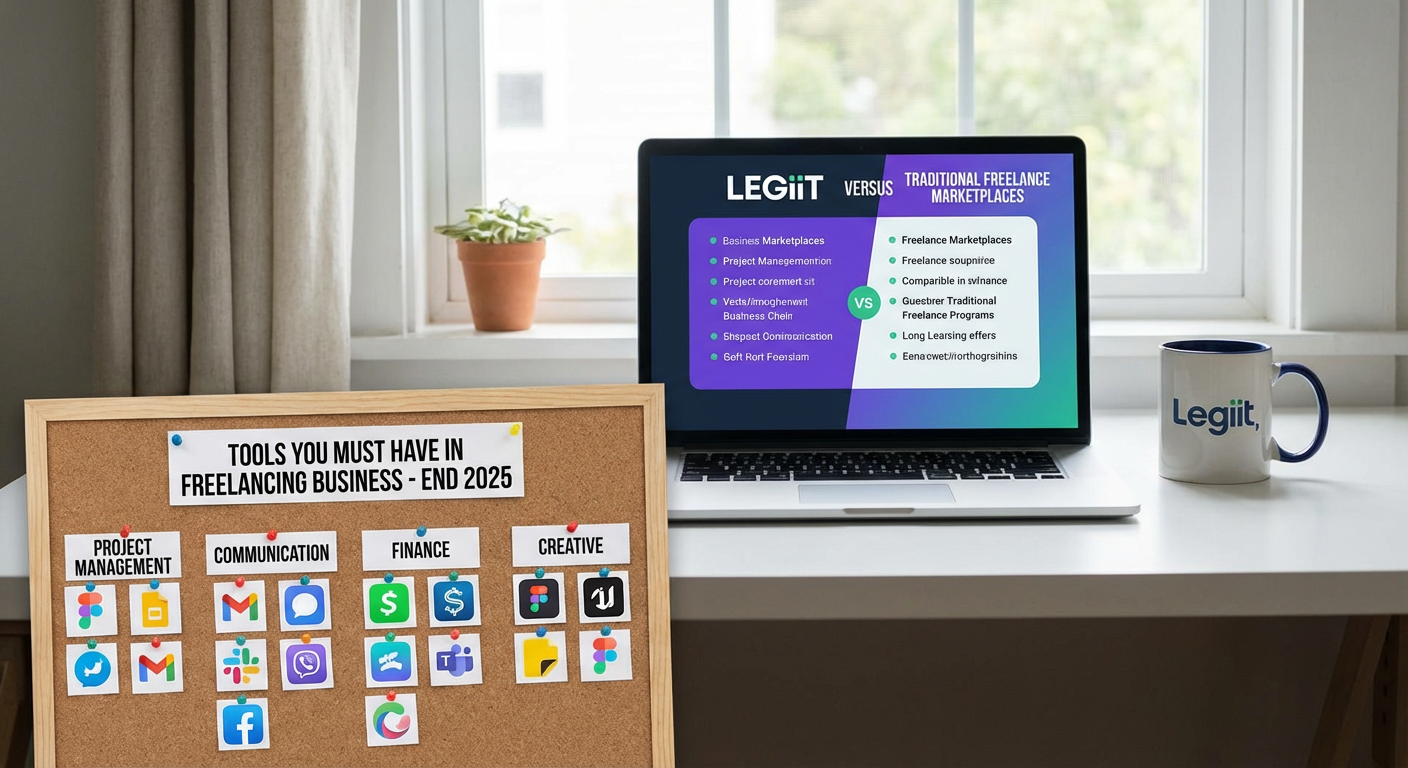
When comparing platforms to find clients and sell services, Legiit stands out for its focus on digital services and done-for-you offerings. Unlike general marketplaces that pit freelancers against each other in bidding wars, Legiit lets you set your own prices and build a storefront of services. The platform takes lower fees than many competitors, which means more money stays in your pocket.
The trade-off is that Legiit has a smaller user base than giants in the space, but many freelancers find the quality of clients higher and the competition less cutthroat. If you offer services like content writing, SEO, social media management, or web design, Legiit provides a more stable income model than constantly bidding on projects. The platform also includes built-in features for upselling and managing repeat clients, which can significantly reduce the time you spend hunting for new work.
- Asana Versus Trello for Project Management
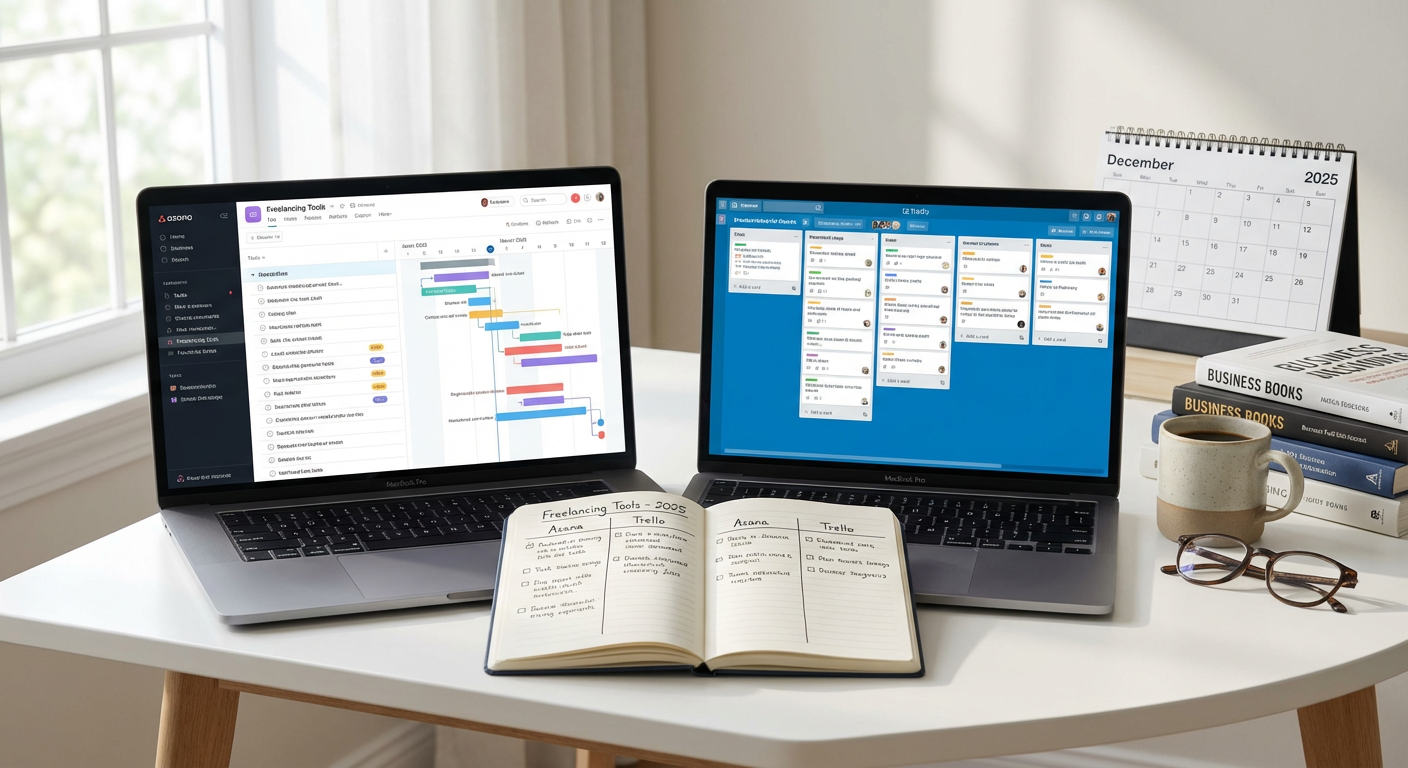
Both Asana and Trello help you organize tasks and projects, but they take different approaches. Trello uses a visual board system with cards that you move between columns, making it simple and intuitive for basic project tracking. It works well if you manage a few clients at a time and prefer seeing everything at a glance. The free version is generous, and the learning curve is minimal.
Asana offers more structure with list views, timeline views, and calendar integration. It handles complex projects better and scales up as your business grows. However, this flexibility comes with added complexity that can feel overwhelming at first. Trello wins for simplicity and quick setup. Asana wins if you juggle multiple clients with interdependent tasks or need detailed reporting. Many freelancers start with Trello and migrate to Asana once their project load increases beyond five or six active clients.
- QuickBooks Self-Employed Versus FreshBooks for Accounting
QuickBooks Self-Employed targets freelancers and solo entrepreneurs with straightforward bookkeeping and tax preparation features. It automatically categorizes expenses, tracks mileage, and estimates quarterly taxes. The interface feels business-like and integrates well with TurboTax. The downside is that it lacks some invoicing features and client management tools that freelancers often need.
FreshBooks focuses on invoicing and time tracking first, with accounting features built around client work. It creates professional invoices quickly, accepts online payments, and tracks which clients owe you money. The reporting is simpler than QuickBooks, which some find refreshing and others find limiting. QuickBooks wins for tax preparation and comprehensive bookkeeping. FreshBooks wins for client-facing features and ease of use. Consider QuickBooks if tax compliance is your top concern, and FreshBooks if you bill by the hour or send frequent invoices.
- Grammarly Versus ProWritingAid for Writing Quality
Both tools catch grammar mistakes and suggest improvements, but they serve different writing styles. Grammarly excels at real-time corrections and works smoothly across browsers, email clients, and documents. The tone detector helps you adjust formality levels, and the plagiarism checker adds value for content creators. It feels fast and unobtrusive, making it ideal for quick emails and social media posts.
ProWritingAid digs deeper into writing structure, offering reports on sentence length variety, overused words, and readability scores. It integrates with Scrivener and other writing software popular with long-form writers. The interface is busier and the suggestions more detailed, which can slow you down during drafting but improves final quality. Grammarly wins for speed and convenience across all writing tasks. ProWritingAid wins for thorough editing of long documents and learning to improve your writing style over time. Writers who produce blog posts and articles often use both, Grammarly for drafting and ProWritingAid for final polishing.
- Calendly Versus Acuity Scheduling for Appointments
Scheduling tools eliminate the back-and-forth emails when booking client calls. Calendly offers a clean, simple interface that syncs with your calendar and lets clients pick available times. It handles multiple meeting types, sends automatic reminders, and integrates with Zoom and Google Meet. The free version works for basic needs, though you’ll hit limits on meeting types and customization.
Acuity Scheduling provides more control over the booking experience, including intake forms, payment collection, and package offerings. It works better if you sell consulting sessions or coaching calls that require upfront payment. The interface is more complex, and the free tier is more limited. Calendly wins for straightforward appointment booking with minimal setup. Acuity wins if you need to collect information or payment before meetings happen. Freelancers who primarily coordinate free discovery calls lean toward Calendly, while those who sell their time by the hour often prefer Acuity’s commercial features.
- Dropbox Versus Google Drive for File Storage
Cloud storage keeps your files accessible from anywhere and provides backup security. Dropbox pioneered the space with reliable syncing and a simple folder structure that feels natural. It handles large files well and offers strong collaboration features through Dropbox Paper. The smart sync feature lets you see all files without taking up local storage space.
Google Drive gives you more free storage out of the gate and integrates tightly with Google Docs, Sheets, and Slides. If you already use Gmail, the transition feels natural. However, the file organization can get messy with shared folders, and syncing occasionally hiccups with very large files. Dropbox wins for pure file syncing reliability and working with any file type. Google Drive wins for collaborative document editing and free storage space. Freelancers who work primarily in documents often choose Google Drive, while those handling design files, videos, or client deliverables often pay for Dropbox’s dependability.
- LastPass Versus 1Password for Password Management
Password managers protect your accounts and save time by autofilling login credentials. LastPass has been around longer and offers a functional free tier that works across devices. It handles password generation, secure notes, and sharing credentials with team members or clients when needed. The interface is straightforward, though it has faced security questions in the past.
1Password focuses on security and user experience with a polished interface and strong encryption. It stores more than passwords, including software licenses, credit cards, and secure documents. There’s no free tier, only a trial period, but many users find the annual cost worthwhile for peace of mind. LastPass wins for budget-conscious freelancers who need basic password management. 1Password wins for those who prioritize security and want a more refined experience. Both work well, and the choice often comes down to whether you’re willing to pay for premium features from the start.
- Canva Versus Adobe Creative Cloud for Design Work
Design needs vary wildly among freelancers. Canva makes graphic design accessible with templates for social media posts, presentations, and marketing materials. The drag-and-drop interface requires no design training, and the free version includes thousands of templates. It works perfectly for creating quick graphics for your own marketing or simple client deliverables.
Adobe Creative Cloud offers professional-grade tools like Photoshop, Illustrator, and InDesign. The learning curve is steep, and the subscription costs significantly more. However, the capabilities far exceed what Canva can do, especially for print work, detailed photo editing, or complex illustrations. Canva wins for speed, ease of use, and cost-effectiveness for basic design needs. Adobe wins for professional design work that clients will use in commercial applications. Freelancers who occasionally need graphics for their business typically stick with Canva, while those offering design services as a primary skill invest in Adobe.
- Zoom Versus Google Meet for Video Calls
Video calls are standard practice for client meetings and collaboration. Zoom became the default during remote work expansion, offering reliable video quality, screen sharing, and recording capabilities. The free version limits meetings to 40 minutes with three or more participants, which can interrupt longer client calls. The interface is familiar to most clients, reducing technical support issues.
Google Meet provides unlimited meeting length on the free tier and integrates directly with Google Calendar. Video quality is solid, though some users report it handles poor internet connections less gracefully than Zoom. The interface is simpler, with fewer features, which can be good or bad depending on your needs. Zoom wins for feature richness, recording quality, and client familiarity. Google Meet wins for meeting length flexibility and calendar integration. Most freelancers choose based on what their clients already use, but having both installed prevents scheduling friction.
- Toggl Versus Harvest for Time Tracking
Accurate time tracking helps you bill correctly and understand project profitability. Toggl focuses on simplicity with a prominent timer button and minimal setup required. It tracks time across projects and clients, generates reports, and offers browser extensions and mobile apps. The free version is generous, making it accessible for new freelancers. The downside is limited invoicing features.
Harvest combines time tracking with invoicing and expense tracking in one package. It converts tracked time directly into invoices, which saves steps in your billing process. The interface feels more business-oriented and includes better team features if you work with contractors. However, the free version only allows one project and two clients, pushing most freelancers to paid plans quickly. Toggl wins for straightforward time tracking without extra cost. Harvest wins if you want time tracking and invoicing in a single tool. Freelancers who already use dedicated invoicing software often choose Toggl, while those building an all-in-one system lean toward Harvest despite the higher cost.
Choosing the right tools for your freelancing business comes down to understanding what you actually need versus what sounds appealing in marketing copy. The comparisons above highlight that there’s rarely a single best option, only the best fit for your specific situation. Consider your budget, the complexity of your projects, and which features you’ll use daily versus occasionally. Start with free or low-cost options to test your workflow, then upgrade strategically when you hit real limitations. The goal is building a toolkit that supports your work without creating unnecessary complexity or expense.